
Prompt discovery workflows are repeatable processes for finding, testing, and refining the prompts that make AI tools reliable across tasks and models. Start today by running one short discovery experiment on a task you already repeat often, then save whatever prompt wins. We built PromptChief to make that saving, syncing, and reuse step effortless once you find a prompt worth keeping.
TL;DR:
- A solo creator can compare three variants in an afternoon, while a production team should budget one to two weeks for criteria, parallel tests, and documentation.
- Run three or four prompt variants against the same input simultaneously, score them with a fixed rubric, and define acceptance rules before reviewing outputs.
- Store winning prompts as named, versioned modules with typed placeholders, then run regression tests and record who changed each prompt, when, and why.
- For larger teams, restrict edits to a small group that owns canonical prompts, tailor evaluation rubrics by function, and review reuse and model drift monthly.
- Automate promotion after regression tests, scheduled reviews, or usage thresholds, but keep a human checkpoint before any prompt reaches customers directly.
Table of Contents
- When do you actually need a prompt discovery workflow?
- Core patterns: routines, handoffs, and the two prompt surfaces
- Practical multi-model recipes for design and creative prompt discovery
- Prompt lifecycle and governance: versioning, storage, testing, and auditability
- How PromptChief maps to these workflows
- Strategies for scaling prompt workflows in enterprise settings
- Automation and triggers for prompt deployment within discovery workflows
- A quick-play starter plan you can run this week
- Try PromptChief: save what your discovery process finds
- FAQ
- Sources
When do you actually need a prompt discovery workflow?
A single good prompt solves one problem once. A discovery workflow solves it repeatedly, across models, as your tasks evolve. That distinction matters because most professionals start with ad hoc prompting and only build a workflow once they notice they are rewriting the same instructions every week.
You need a structured discovery process when any of these apply:
- You test the same task across multiple models (ChatGPT, Claude, Gemini) and need consistent comparisons.
- You iterate on design or creative prompts where small wording changes shift output quality significantly.
- You are moving a prompt from a personal experiment into a shared, production workflow.
Effort scales with ambition. A solo creator can run a useful discovery cycle in an afternoon: draft three variants, test them, keep the winner. A team building a production pipeline should expect one to two weeks to define evaluation criteria, run parallel tests, and document the result before anyone treats a prompt as "final." Either way, the job to be done is the same: turn guesswork into a repeatable comparison.
Core patterns: routines, handoffs, and the two prompt surfaces
Reliable discovery depends on architecture, not just better wording. The OpenAI Cookbook's orchestration guide documents routines and handoffs as a way to keep agents specialized rather than building one agent that tries to do everything. Each routine owns a narrow task, and a handoff transfers state to the next specialist when the task changes shape.
Four patterns show up repeatedly in practitioner workflows:
- Routines and handoffs: split a workflow into specialized agents (research, drafting, review) and pass state between them instead of overloading a single prompt.
- Composition over chaining: for deterministic, structured tasks, the PromptPack composition-mode guide recommends step graphs that allow branching and parallel execution, which tends to be more reliable than a strictly linear chain.
- Agent instructions vs user prompts: Microsoft Discovery's prompting documentation separates persistent agent instructions, which run on every turn, from user prompts, which change per interaction. Structured instructions with examples reduce drift in the agent's behavior over time.
- Branching and synthesis: fan out a task into parallel variants, then synthesize the results into one output, which catches failures a single linear pass would miss.
Pro Tip: Write your agent instructions once, treat them like a style guide, and let your user prompts carry the day-to-day variation.
Getting this split right early saves significant rework later, since instructions baked into a single long prompt are hard to debug once drift appears.
Practical multi-model recipes for design and creative prompt discovery
Designers and creators need recipes they can run without a research team. These four work across most visual and text tasks.
- Visual-harvest recipe: pull strong examples from community hubs, normalize the variable parts (style, subject, format) into placeholders, then run the same normalized prompt across two or three models to see which handles your variables best.
- Prompt-chain recipe: for multi-step creative work, chain a rough idea prompt into an iteration prompt into a refinement prompt, checking output at each stage rather than expecting one shot to nail it.
- Parallel A/B discovery: run three or four prompt variants against the same input simultaneously and score each against a fixed rubric (clarity, adherence to format, creative quality) rather than picking a favorite by gut feel.
- Experiment checklist: define your inputs, your evaluation metric, your gating criteria for "good enough," and your acceptance rule before you start, not after you see results.
A practitioner's guide to LLM evaluation metrics is a useful reference when building the rubric for parallel A/B tests, since scoring consistency is what makes a comparison trustworthy rather than anecdotal.
One early-stage test that compares three prompt variants against a shared rubric tends to surface a clear winner faster than testing variants one at a time, since side-by-side scoring removes the recency bias of judging each output in isolation.
Once a recipe produces a winner, the next job is making sure that winner does not get lost. That is where lifecycle discipline takes over.
Prompt lifecycle and governance: versioning, storage, testing, and auditability
Treating a winning prompt casually is how teams lose their best work. OpenAI's prompting guidance recommends treating prompts like application code: store them in versioned modules, use typed parameters instead of free text, and review changes through the same process you use for code.
A practical lifecycle has four stages:
- Version and modularize: keep each prompt as a named, versioned unit with typed placeholders, not a string buried in a chat log.
- Store and sync: use a storage pattern that works across devices and across the different models your team uses, since a prompt that only lives on one laptop does not scale to a team.
- Test before promoting: build a small regression suite, fixtures with known-good outputs, so a prompt edit that breaks something gets caught before it reaches production use.
- Audit and tag: keep metadata on who changed a prompt, when, and why, so you can trace a quality regression back to its source.
Pro Tip: Tag each saved prompt with its model, use case, and outcome score; that single habit turns a prompt library into a searchable decision record instead of a junk drawer.
Our guide to organizing AI prompts walks through tagging and storage patterns in more detail if you want a structured starting point.
How PromptChief maps to these workflows
Each stage above needs a home, and that is the gap we built PromptChief to close. Cloud sync keeps a saved prompt available across every device your team uses, which solves the storage problem from the lifecycle section above. Fuzzy search means a prompt tagged weeks ago surfaces instantly instead of getting lost in a folder. Prompt chains let you build the stepwise refinement recipe directly, moving from idea to iteration to final output inside one tool.
Our prompt management page covers the template and team-workspace features that support versioning and shared libraries, and our practical prompt engineering guide walks through writing the variants your discovery experiments will test. If you are scoring parallel A/B tests, fillable templates keep your inputs consistent across variants, which matters more than any single prompt's wording.
Strategies for scaling prompt workflows in enterprise settings
What works for one creator does not automatically work for a hundred-person team. Scaling a discovery workflow means solving for coordination, not just volume.
Start by separating ownership from access. A small group should own the canonical, tested prompts, while a wider group can use them without editing rights, which prevents the slow drift that happens when everyone tweaks the same shared prompt. Pair that with role-based team workspaces so marketing, product, and engineering each keep their own libraries without stepping on each other's work.
Standardize your evaluation rubric before you scale, not after. A rubric that worked for one team's tone-of-voice prompts will not automatically fit a technical documentation team's accuracy requirements, so each function should adapt the core rubric rather than inherit it unchanged.
Build in a review cadence. Monthly is a reasonable starting point: review which prompts are actually being reused, which have quietly stopped performing as models update, and which should be retired. Models change behavior between versions, and a prompt that worked in one release can degrade in the next without any obvious signal unless someone is watching usage and outcomes.
Finally, centralize storage early. Teams that wait until they have dozens of scattered prompts across individual chat histories spend weeks just consolidating before they can start improving anything. A shared, searchable library from day one avoids that cleanup project entirely.

Automation and triggers for prompt deployment within discovery workflows
Manual promotion from "tested" to "in production" works at small scale and breaks down fast as volume grows. Automation closes that gap.
A practical trigger setup watches for three events: a prompt passing its regression suite, a scheduled review date arriving, or a usage threshold being crossed that signals a prompt is ready for wider rollout. Each event can kick off a deployment step without someone manually copying text between systems.

Discovery agent patterns from workflow automation tools show how an agent can identify which components a task needs and ask a clarifying question when the request is underspecified, rather than guessing. That same logic applies to prompt deployment: build a check that flags missing variables or unclear acceptance criteria before a prompt goes live, instead of discovering the gap in production.
Our article on AI workflow automation for prompt managers covers trigger-based deployment patterns in more depth, including how to connect a tested prompt to the tools that use it without manual handoff.
Keep one safeguard regardless of automation level: a human checkpoint before a prompt reaches a customer-facing surface. Automation should speed up testing and routing, not remove the final judgment call on anything a client or end user will see directly.
A quick-play starter plan you can run this week
Here is the plan I would run if I were starting from zero. Day one: audit whatever prompts you currently reuse, even informally. Day two through four: run three small experiments against a task you repeat often, testing variants side by side. End of week one: save the winners somewhere searchable, not just in a chat history.
Measure output quality immediately; track reuse frequency and model drift over the following month. The shortcut that saves the most time: tag each prompt the moment you save it, not later, because "later" rarely happens.
— John
Try PromptChief: save what your discovery process finds
Running experiments is only half the job. Without a system to catch the winners, you end up rebuilding the same prompt from memory next month. We sync every saved prompt across your devices and across multiple AI platforms you already use, with fuzzy search so a prompt tagged weeks ago still surfaces in seconds.
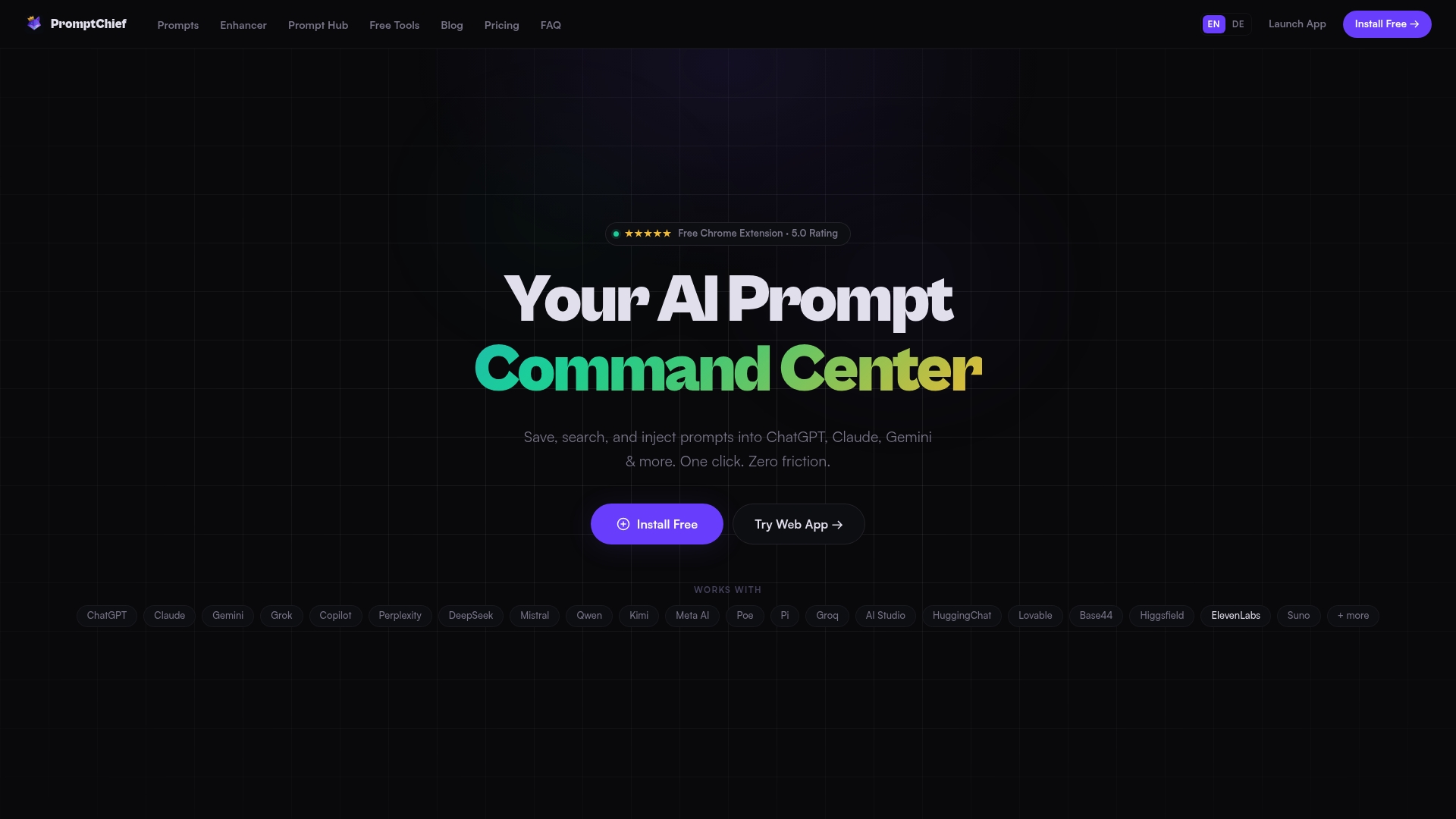
Our Free plan costs $0 per month if you want to start saving today, or check the Plus and Pro plans for prompt chains, team workspaces, and higher AI credit limits as your discovery workflow grows.
FAQ
What are the four ServiceNow workflows?
ServiceNow's published material does not define a universal set of exactly four workflows; its agentic triage collection instead describes a sequence of coordinated steps, including interaction retrieval, knowledge search, entity extraction, and case classification. These steps work together as a single triage pipeline rather than four separate standalone workflows.
What are the top AI prompts to start with?
There is no single canonical top-ten list, since the best starting prompts depend on your task and model. A stronger approach is picking three or four prompts you already reuse often, running them as a discovery experiment across models, and saving whichever variant performs best against a clear rubric.
What is an example of an automated workflow?
A common example is a triage pipeline where one agent retrieves context, another validates it against a knowledge base, and a third classifies and routes the case, with ServiceNow's triage workflow handling customer support cases this way. Each step hands off to the next automatically, with deterministic checks along the way.
What are automated prompts?
Automated prompts are prompts triggered by a system event, such as a scheduled review or a usage threshold, rather than typed manually each time. They typically pull from a stored, versioned prompt library and inject variables automatically, which is the pattern OpenAI's prompting guidance recommends for production use.
How do agent instructions differ from user prompts?
Agent instructions are persistent, system-level guidance that runs on every turn, while user prompts change per interaction, according to Microsoft Discovery's documentation. Keeping them separate, with structured instructions and examples in the agent layer, reduces drift in the agent's behavior over time.
Sources
The patterns above are not theoretical. ServiceNow's triage agentic workflow coordinates multiple specialized agents that validate case data, consult knowledge graphs, and escalate complex cases, while keeping deterministic steps for auditability. It is a working example of handoffs in production, not a lab demo.
For structured, deterministic tasks, composition-mode and workflow SDK approaches show up repeatedly as the preferred pattern over simple linear chaining, since they allow parallel branches and more reliable synthesis of results.
- Orchestrating agents: routines and handoffs — OpenAI Cookbook
- Prompting — OpenAI docs
- Prompt engineering — Microsoft Discovery documentation
That last point matters for prompt work specifically: the best discovery process keeps running after launch, flagging real usage patterns instead of assuming the first good prompt is the last one you will need.