
AI prompt SOPs are the documented rules and metadata teams use to write, test, store, and reuse prompts across AI platforms so outputs stay repeatable, auditable, and safe. Done right, they turn scattered copy-paste habits into a shared system anyone on the team can trust. Below is a minimum governance baseline, a step-by-step build process, and the lifecycle controls that keep prompts from drifting once they hit production.
TL;DR:
- Prompts should have clear ownership, versioning, approvals, and audit trails, especially for high-impact or customer-facing tasks.
- Building a prompt library involves inventorying daily repeat tasks, applying a five-part template, and testing prompts thoroughly before documentation and storage.
- Prompts must undergo ongoing lifecycle control, including version updates, validation against primary metrics, and staged promotion to prevent regressions.
- Organizing prompts with consistent naming, metadata, and storage practices ensures quick findability and facilitates safe updates or deprecation.
- Active adoption relies on integrating prompts into existing workflows, tracking usage, and running regular reviews to keep the library aligned with operational needs.
Table of Contents
- Quick checklist: the minimum governance baseline for prompt SOPs
- Build SOPs step-by-step: inventory, template, test, and document
- Governance and lifecycle: versioning, approvals, and rollback
- Library design, metadata, naming, and storage best practices
- Rollout, adoption, and metrics that show impact
- Why most prompt SOPs fail before they start
- Put these prompt SOPs into practice with PromptChief
- FAQ
- Sources
Quick checklist: the minimum governance baseline for prompt SOPs
Before building anything elaborate, a prompt program needs a few non-negotiable controls. According to PromptOps governance guidance, prompts should be governed with ownership, versioning, approvals, and auditability, built on a CARE baseline: Centralize, Audit, Refine, Educate. The same guidance frames these as small, enforceable gates rather than heavy documentation, which keeps compliance high and friction low.
A practical starting checklist looks like this:
- Assign a named owner to every prompt or prompt set, not just the library as a whole.
- Store prompts in one centralized registry with a consistent naming convention, never scattered across documents and chat threads.
- Apply semantic versioning with a change log and a documented rollback plan for each prompt.
- Require approval gates before high-impact prompts go live, and keep an audit trail of who approved what.
- Define testing requirements and mandatory metadata fields before a prompt is marked production-ready.
Pro Tip: Start with the three riskiest prompts in daily use, the ones touching customer communication or compliance language, and apply the full checklist to those first.
Build SOPs step-by-step: inventory, template, test, and document
Building your first set of SOPed prompts follows a predictable sequence, and most teams can finish the first pass in under two weeks.
- Inventory repeat tasks. Log every prompt-driven task for one week, then rank candidates by frequency and risk; the top five or six usually account for most daily use.
- Apply the five-part template. According to practitioner guidance on prompt libraries, a durable prompt follows Role, Context, Task, Format, Constraints, with bracketed variables such as
[audience]or[tone]standing in for details that change each run. - Build reusable modules. Pull recurring pieces, like a brand voice block or a facts block, into standalone modules you paste into any prompt instead of rewriting them each time.
- Test before publishing. Run each new prompt three times, have a peer reviewer check the outputs, and save the sample results alongside a small test dataset.
- Document and store. Record a sample output, a change log entry, and a link to evaluation results in the prompt management record before marking the prompt as approved.
The reusable-module approach matters more than it sounds. One analysis of enterprise prompt libraries found that converting brand voice into a machine-readable, reusable module gives teams the biggest leverage for the least ongoing work, since every new prompt inherits consistent tone without rewriting it from scratch.
- Keep the template fields in the same order every time so reviewers can scan a prompt in seconds.
- Treat the three-run rule as a floor, not a ceiling, for anything customer-facing.
Once a handful of prompts pass this process, you have the seed of a real prompt library instead of a folder of drafts.
Governance and lifecycle: versioning, approvals, and rollback
Checklists catch obvious gaps, but production prompts need an ongoing control layer. The CARE model from PromptOps governance gives a fast way to frame it: Centralize where prompts live, Audit what they produce, Refine based on findings, and Educate the people using them.
Underneath CARE sits a more mechanical lifecycle. Prompt engineering standards for AI governance recommend treating prompts as product code: semantic versioning (major, minor, patch), a changelog, and a promotion pipeline that moves a prompt from development to staging to production, never directly into live use. The same source recommends building a minimal evaluation dataset for each critical prompt and requiring a new version to match or beat the prior version on primary metrics before it gets promoted.
Review gates typically check four things:
- Functional accuracy: does the output answer the actual task.
- Safety: does the prompt avoid generating harmful, biased, or off-policy content.
- Compliance: does it respect data handling and regulatory constraints for its use case.
- Operational fit: does it integrate cleanly with the tools and formats downstream systems expect.
For production prompts specifically, testing and governance guidance recommends evaluation suites, human review for qualitative outputs, canary deployment, and monitoring for parse failures and output quality drift, which together catch regressions before they reach every user. Cloud tooling increasingly supports this directly. AWS Well-Architected guidance on prompt management describes prompt management and flow systems that handle templates, variables, versioning, and staged promotion, which means SOPs can plug into existing toolchains rather than being enforced by hand. Our own guide on prompt version control covers the five-step promotion workflow in more technical detail. The core rule across every source: never edit a production prompt directly, always promote through stages.
Library design, metadata, naming, and storage best practices
A prompt library only earns its keep if people can find what they need in seconds. Organize prompts by business function first, task second, and keep one prompt per record so version history stays clean.
A naming convention like function_task_outputtype (for example, support_ticket-reply_email) paired with consistent tags makes search reliable even as the library grows past a few dozen entries. Essential metadata for every record includes:
prompt_idand a named owner.- Current version number and target model (GPT, Claude, Gemini, or other).
- Input and output schema, so downstream systems know what to expect.
- Status (draft, approved, deprecated) and the date of last modification.
Storage choice matters less than consistency: a shared drive works for small teams, but a dedicated prompt registry with role-based access controls scales better once multiple teams and approval tiers are involved. AgentOps guidance on parameterized prompt references recommends referencing prompts by ID in application code rather than embedding the text directly, which lets teams update a prompt without touching the application itself and roll back instantly if something breaks.
When a prompt stops being useful, archive it rather than delete it. Keeping a record of retired prompts preserves the change history and gives future owners context on what was tried before.

Rollout, adoption, and metrics that show impact
A library nobody uses is shelfware. Adoption guidance from practitioner research recommends starting small: pick one high-pain task, assign a champion, and run a two-week pilot before expanding.
- Pick a painful task and a champion. Choose something repeated daily, not a rare edge case, so the time savings are obvious fast.
- Embed prompts into existing workflows. Link the approved prompt directly inside the checklist, ticketing tool, or document template people already use, rather than asking them to visit a separate library.
- Run a monthly owner review. Archive prompts nobody opens, fix ones that keep getting heavily edited, and add new repeat tasks surfaced by the team.
- Track real metrics. Usage counts, time saved per task, the percentage of outputs needing manual edits, and parse-failure or regression rates all show whether the SOP is working.
- Set a manual-run threshold. Require a prompt to run cleanly a set number of times before it is trusted for unsupervised or automated use.
The outcomes-first framing matters: demonstrating time saved on one task drives organic adoption far better than announcing a library-wide launch.
Why most prompt SOPs fail before they start

The operational failure mode is rarely a bad template. It is almost always a missing owner: a prompt gets written once, works well enough, and then nobody updates it when the underlying model changes or the task shifts slightly. Teams also tend to document prompts the week they are created and never again, so the library quietly drifts out of sync with how people actually work six months later.
What closes that gap is making the system part of daily tools rather than a side project. Cloud synchronization, fast search, and one-click injection map directly onto the SOP habits described above: an owner can update a prompt once, and everyone pulling it through save-and-inject features sees the current version immediately, not a stale copy pasted into a document weeks earlier. Prompt chains, fuzzy search, and shared team workspaces shorten the distance between "we wrote an SOP" and "the team actually uses it" every single day.
— John
Put these prompt SOPs into practice with PromptChief
Everything above depends on prompts living somewhere searchable, versioned, and shared, which is exactly what we built for. A suitable platform can sync your prompt library across devices, let you search by fuzzy match instead of memory, and inject approved prompts directly into AI tools without copy-pasting.
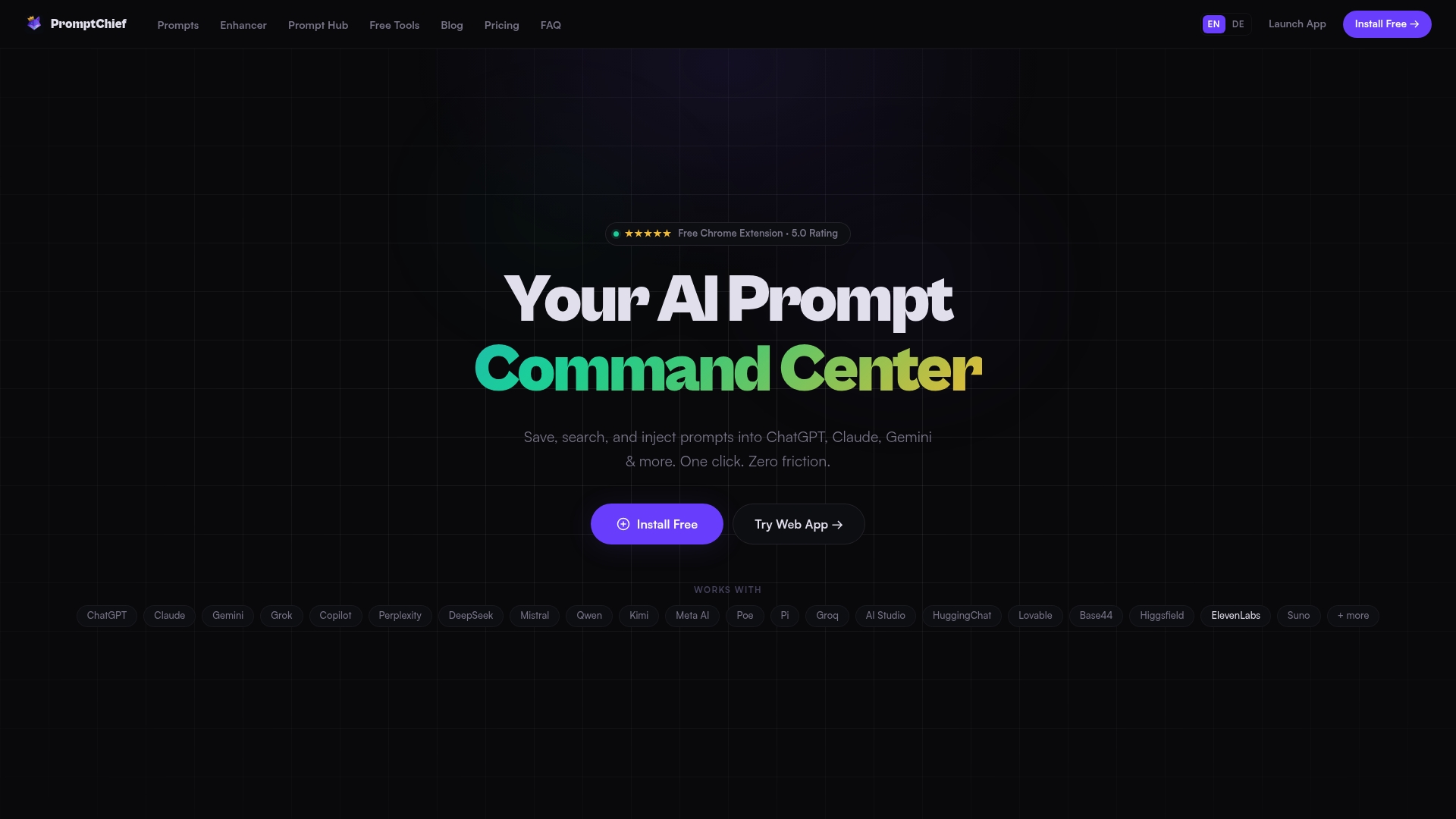
Team workspaces keep ownership and access controls in one place, so the governance habits in this guide stick instead of fading after the first month. You can start on the Free plan with no cost, or compare Plus, Pro, and Teams pricing to find the tier that matches your team's size and workflow.
FAQ
What are AI prompt SOPs in simple terms?
AI prompt SOPs are the documented rules teams follow for writing, storing, testing, and reusing prompts across AI tools. Their goal is repeatable, auditable, and safe outputs, not a one-off prompt that happens to work well once.
What should a minimum prompt governance checklist include?
A minimum baseline includes a named owner per prompt, a centralized registry with consistent naming, semantic versioning with a change log and rollback plan, and approval gates for high-impact prompts, following the CARE governance model. Testing requirements and standard metadata fields round out the baseline.
What is the Role-Context-Task-Format-Constraints template?
It is a five-part structure for writing prompts: Role defines who the AI should act as, Context supplies background, Task states the job, Format sets the output shape, and Constraints lists limits to respect. Practitioner guidance on prompt libraries recommends it as the default structure for any reusable prompt.
How often should a prompt library be reviewed?
A monthly owner review works well for most teams: archive prompts nobody uses, revise ones requiring heavy manual edits, and add newly identified repeat tasks. This cadence keeps the library aligned with how the team actually works instead of drifting out of date.
Can a tool like PromptChief replace manual prompt SOPs?
A platform like PromptChief does not replace the documentation and approval decisions your team makes, but it does give you the save, search, sync, and inject features that make following those SOPs practical day to day. For training teams on foundational prompting skills as part of an "Educate" rollout, resources like the Free AI Prompting Essentials Certified course can complement an internal SOP program.
Sources
- PromptOps Guide: PromptOps Governance - Ownership, Control, and Auditability
- AI Prompt Library: Build One Your Team Uses | Aaron Cuha
- Prompt engineering standards (ai-governance-framework)
- AWS Well-Architected — Implement prompt template management (GENOPS03-BP01)
- AI Prompt Management Template: Version, Test, and Govern Your Prompt Library — InstitutePM