
Prompt lifecycle management is a code-like operating process for authoring, reviewing, testing, deploying, monitoring, improving, and retiring prompts, treated the same way engineering teams treat software releases rather than disposable text snippets. The practical goal is reproducibility, controlled releases, measurable regression detection, and fast rollback instead of unmanaged edits. What follows maps the stages, tests, rollout patterns, monitoring signals, and improvement workflows that make this possible for production teams.
TL;DR:
- Every release should pass a fixed regression set with automated checks and human review; record the owner, model version, settings, and results alongside it.
- Test candidates in shadow mode before exposing users, then use a canary and A/B rollout with explicit success thresholds and a ready rollback target.
- Attach prompt and model version identifiers to production traces, then monitor task success, format failures, latency, and cost against defined alert thresholds.
- Keep optimizer development examples separate from held out tests, and rerun the full regression suite with manual review before any optimized prompt ships.
Table of Contents
- The full prompt lifecycle: stages, gates, and deliverables
- Treat prompts as first-class artifacts: what to record and how to store versions
- Testing and evaluation: building regression sets, graders, and the evaluation pipeline
- Safe rollout patterns: shadow mode, canaries, and defined rollback
- Production monitoring and observability tied to prompt versions
- Improvement and prompt optimization: safe practices and algorithms
- Operationalizing the lifecycle: governance, CI/CD integration, and team workflows
- Tools and integrations: where a prompt manager fits and what to look for
- Integration strategies with multiple AI platforms and chatbots
- Security and privacy considerations for prompt data handling and storage
- User collaboration features and access control in prompt lifecycle management
- Automation workflows for prompt updates and lifecycle triggers
- Best practices for prompt documentation and knowledge sharing
- Author perspective: where teams should start and common traps
- How a prompt manager speeds up lifecycle management
- FAQ
- Sources
The full prompt lifecycle: stages, gates, and deliverables
A typical prompt moves through a sequence of stages: draft and authoring, review, staging or preproduction, production, and eventually archived or retired. AWS's guidance frames this explicitly as a lifecycle with version history, evaluation records, and clear ownership attached at every step, and the AWS Well-Architected agentic AI lens recommends naming these stages and requiring evaluation evidence before a prompt reaches production.
Each stage produces specific artifacts that carry the prompt forward:
- A draft stage yields the prompt text, variant options, and a stated purpose.
- A review stage adds an assigned owner and documented expected behavior.
- A staging stage attaches evaluation records against a fixed test set.
- A production stage locks a version snapshot with full runtime metadata.
- A retirement stage preserves the historical record for audits and rollback.
Gating is what separates lifecycle management from informal prompt tweaking. Promotion from one stage to the next depends on passing automated checks, meeting evaluation thresholds, and receiving explicit sign-off from an owner. A prompt that fails its regression set in staging does not move forward, regardless of how promising it looked in a quick manual test. This is the same discipline that protects software releases: a change earns its way into production through evidence, not through confidence. Tying each gate to a documented threshold also means the next reviewer does not have to re-litigate whether a prompt is "good enough": the evaluation record already answers that question.
Treat prompts as first-class artifacts: what to record and how to store versions
A prompt version is reproducible only when its full context is versioned alongside the text itself. That context includes more than wording: it includes the purpose the prompt serves, the expected behavior, the owner responsible for it, and the exact evaluation criteria used to approve it.
The required metadata set typically includes:
- The model or provider identifier and the specific model version used.
- Runtime parameters such as temperature, max tokens, and sampling settings.
- Variables, placeholders, and any tool or function definitions referenced.
- The deployment environment the version is approved for.
- A link from the version's identity to its evaluation results.
AWS's agentic serverless guidance is explicit that variables and runtime settings materially influence outputs, so they need the same version discipline as the prompt text. For agentic systems, that extends to tool definitions, retrieval configuration, policies, and output schemas, since a change in any one of those can shift behavior just as much as a wording edit.
Storage patterns vary by team maturity. Some keep prompts in Git-backed configuration files reviewed through normal pull requests. Others use a centralized prompt store or a dedicated prompt manager that decouples prompts from application code entirely, letting code reference a prompt by ID rather than embedding the text. The AWS Well-Architected lens recommends exactly this separation so a prompt update does not require a code deployment. Our prompt version control guide walks through a promotion workflow built on that same ID-based approach.
Pro Tip: Store the evaluation record's ID directly on the prompt version object, not in a separate spreadsheet, so anyone pulling a version automatically sees what it passed.
Testing and evaluation: building regression sets, graders, and the evaluation pipeline
A dev to staging to production workflow only works when staging validation is non-negotiable. AWS recommends iterating quickly in development, then validating any candidate against a proven evaluation set in staging, promoting only after required tests and thresholds pass. That proven set starts with a baseline built from ground-truth examples and metrics relevant to the actual application.
A reliable evaluation pipeline combines three elements: a fixed regression set that does not change between runs, automated graders for properties that can be measured objectively, and human review for nuance or safety judgments a grader cannot capture. Both NIST's guidance on benchmark evaluations and OpenAI's prompt optimizer documentation converge on this structure: define what you are measuring, run the evaluation consistently, then analyze and report results before acting on them.
The metrics worth gating on typically include:
- Task success or accuracy against the regression set.
- Schema or format compliance for structured outputs.
- Safety indicators relevant to the application's risk profile.
- Latency and token usage or cost per request.
- Consistency across repeated runs of the same input.
One of the clearest signals a team has outgrown ad hoc prompt editing is when a change passes a quick manual check but has never been scored against a fixed, documented evaluation set: that gap is where regressions slip into production unnoticed.
Our prompt repository guide covers how to structure these test sets alongside storage and deployment.
Safe rollout patterns: shadow mode, canaries, and defined rollback
Deploying a new prompt version directly to all production traffic skips the step where you learn how it behaves on real, messy inputs. AWS recommends shadow mode precisely because a candidate prompt can look acceptable on curated tests yet behave differently on live, long-tail traffic. Routing production inputs to the candidate for observation, without letting its output reach users, produces evidence before any user is exposed to risk.
A practical rollout sequence looks like this:
- Run the candidate in shadow mode against live traffic and compare outputs to the current production version.
- Promote to a small canary percentage once shadow results meet the defined thresholds.
- Expand through a staged A/B test with explicit success metrics and a predefined rollback trigger.
- Promote to full production only after the A/B window closes with passing results.
- Keep the previous version's identifier active and ready for immediate rollback.
That last step matters more than it sounds. A rollback should select a previously evaluated, known-good version identifier rather than reconstructing the old text by hand from memory or chat history. Hand-recreated prompts almost never match the original exactly, and the mismatch can mask the real cause of a production issue.
Pro Tip: Keep previously approved prompt versions ready as one-click rollback targets, not just the single most recent one.
Production monitoring and observability tied to prompt versions
A quality drop in production is only actionable when you know which version caused it. AWS's agentic guidance calls out attribution failure as a common surprise: a behavior change might come from a prompt edit, a silent model or provider update, a tool schema change, or a configuration shift, and without version identifiers on every trace, teams end up guessing.
The fix is to log outputs and traces with the prompt version and the model or provider version attached to every record. From there, AWS recommends publishing quality metrics continuously so degradation shows up as an early warning rather than a customer complaint.
Monitoring worth building around a prompt version includes:
- Task success rate trending over time, segmented by version.
- Schema or format failure rate, which often spikes before accuracy does.
- Cost and latency per request, since a prompt edit can quietly inflate both.
- Alerts that trigger a review when any of these cross a defined threshold.
Maintaining a queryable, retained evaluation history is what makes a post-incident review possible at all: without it, tying an observed regression back to a specific prompt and model version becomes guesswork instead of a documented answer.
Improvement and prompt optimization: safe practices and algorithms
Improvement cycles generally combine three approaches: manual edits from someone close to the failure mode, evaluator-assisted edits where a grader's output guides the change, and automated optimizers that search a space of prompt variants. OpenAI's optimizer workflow uses annotations, critiques, and grader results to drive this, but it also recommends re-running the full regression suite and requiring manual review before any optimized prompt reaches production.
The biggest risk in automated optimization is overfitting to the examples used to drive it. NIST's guidance on automated benchmark evaluations recommends keeping dev and test sets separate so a result generalizes beyond the specific examples optimized against, and research on task facet learning shows that clustered-batch feedback, aggregating signal across a mini-batch before updating, reduces overfitting compared to tuning on single examples.
Practical optimization techniques include:
- Clustered-batch feedback from an expert model reviewing groups of failures.
- Iterative optimizer loops with logging and callbacks for traceability.
- Token-budget constraints that keep experiments reproducible and bounded.
The promptolution framework is a concrete example: it iteratively evaluates prompts against a development set and supports logging, callbacks, and token-budget constraints specifically to make optimization experiments reproducible.
Pro Tip: Never promote an optimizer's output straight to production: re-run the same regression suite the manual edits had to pass first.
Operationalizing the lifecycle: governance, CI/CD integration, and team workflows
Lifecycle practices only stick when they are built into the engineering workflow rather than left as a checklist someone remembers to follow. That starts with defined ownership: a named reviewer for each prompt, an approval workflow before promotion, and a periodic review cadence rather than a one-time sign-off. NIST's generative AI risk management guidance recommends retaining test and evaluation artifacts according to a documented retention policy, which also supports later audits.
On the engineering side, this means:
- Blocking promotion in CI/CD unless required approvals and evaluation scores are both present.
- Referencing prompts by ID in application code so updates do not require redeploying the app.
- Keeping an audit trail of who promoted which version and why.
- Defining incident-response steps specifically for prompt-related regressions.
A short rehearsed review after any prompt-related incident closes the loop: NIST's framework treats that kind of periodic review as part of responsible deployment, not an afterthought.
Tools and integrations: where a prompt manager fits and what to look for
Several tool categories cover different parts of this lifecycle: a prompt registry or manager for storage and versioning, an evaluation harness for testing, optimizer frameworks for improvement, logging and observability tools, CI/CD pipelines for gating, and model-selection layers for choosing providers.
The integration points worth checking before adopting any of these include:
- ID-based prompt references so code never embeds raw prompt text.
- Grader hooks that can block a promotion gate automatically.
- Shadow-mode traffic routing support for safe candidate testing.
- Metrics export to whatever monitoring dashboard the team already uses.
When evaluating a tool, the checklist comes down to metadata and version support, environment promotion features, grader integration, template and variable support, and import or export capabilities. Our prompt management software page details one implementation of this feature set.
Integration strategies with multiple AI platforms and chatbots
Most teams are not committed to a single model provider for the life of a product, and a prompt tied to one platform's quirks becomes a liability the moment you want to test another. The practical fix is to keep prompt templates provider-agnostic where possible, with any provider-specific adjustments stored as a documented variant rather than scattered edits across the codebase.
This matters most when a team runs the same underlying task across different chatbots or assistants, such as a support prompt deployed on both ChatGPT and Claude. Each platform can interpret formatting instructions, system messages, and tool-calling syntax slightly differently, so a version intended for multi-platform use should record which platforms it was evaluated against and whether results varied between them.
A workable pattern is to maintain one canonical prompt definition with per-platform metadata attached: the model identifier, runtime parameters, and any platform-specific syntax adjustments, all linked to the same evaluation record so a change on one platform does not silently drift from the version running on another. A prompt manager that syncs across multiple AI platforms, as our own prompt management tooling does, removes the manual step of keeping those variants aligned by hand.
Integration also means deciding where injection happens: a browser extension that inserts a saved prompt directly into a chat interface, or an API call that pulls the approved version programmatically. Both routes should resolve to the same versioned source so a team never ends up running two different "production" prompts at once.

Security and privacy considerations for prompt data handling and storage
Prompts frequently contain more than instructions: they can carry example data, customer context, or business logic that competitors would find useful if exposed. Treating prompt storage with the same access discipline as source code is the baseline expectation, not an optional extra.
Practical considerations include encrypting prompt data at rest and in transit, restricting who can view or export prompts containing sensitive examples, and auditing access the same way a team audits access to a production database. Cloud-synced prompt storage, which lets a team access the same library from any device, needs the sync layer itself to carry that same encryption standard rather than treating sync as a convenience feature disconnected from security.
Retention policy matters here too. If a prompt version's evaluation record includes real user inputs captured during testing, that data needs the same handling rules as any other stored user data, including deletion timelines where a privacy regulation requires them. Teams operating under disclosure or compliance obligations for AI systems should treat this as part of the lifecycle's governance layer, not a separate project; a managed IT partner such as XCDIT's guidance on AI disclosure rules is a useful reference point for teams working through what compliance looks like in practice.
User collaboration features and access control in prompt lifecycle management
A prompt rarely belongs to one person once it reaches production. Collaboration features that matter at this stage include shared visibility into who authored a version, who reviewed it, and who approved its promotion, all tied back to the version's metadata rather than living in a separate conversation thread.
Access control should mirror the gating structure already described: authors can create drafts, reviewers can approve staging promotion, and a smaller set of owners can approve production releases. Without that separation, a single person editing a production prompt directly skips every check the lifecycle is meant to enforce.
Team workspace features let a team centralize its prompts. Our team workspace functionality supports team collaboration.
Automation workflows for prompt updates and lifecycle triggers
Manual promotion works for a small team with a handful of prompts. It breaks down once a team has dozens of prompts moving through review at different paces, which is where automation triggers earn their keep.
Useful automation patterns include triggering a staging evaluation run automatically whenever a prompt draft is updated, blocking a merge or promotion when evaluation scores fall below a threshold, and firing an alert when a production prompt's monitored metrics drift outside an expected range. Each of these ties back to the same evaluation infrastructure covered earlier: automation only works when there is a reliable test to run automatically.
A lifecycle trigger worth building early is a scheduled periodic review, even for prompts that have not changed. Model providers update underlying models without always announcing behavior changes, so a prompt that passed its evaluation six months ago can silently regress without a single edit to the prompt itself. Scheduling a re-run of the regression suite on a fixed cadence catches that drift before a user does.
Best practices for prompt documentation and knowledge sharing
A prompt without documentation is a liability the moment its author leaves the team or moves to a different project. The minimum documentation set for any production prompt includes its purpose, expected behavior, known failure modes, and the evaluation criteria it was approved against, all linked directly to the version rather than stored in a separate wiki page that drifts out of sync.
Knowledge sharing works best when documentation lives next to the prompt itself rather than in a disconnected document. A prompt manager that stores metadata alongside the prompt text turns documentation into something a teammate actually finds instead of something that exists in theory. Our prompt documentation playbook covers the specific fields worth standardizing across a team's library.
Fuzzy search across a shared prompt library also does quiet work here: a teammate solving a similar problem can find an existing approved prompt instead of writing a near-duplicate from scratch, which keeps the team's documented knowledge from fragmenting into parallel, undocumented versions of the same idea.
Author perspective: where teams should start and common traps
Start small: centralize prompts in one place, attach the minimum metadata (owner, purpose, evaluation criteria), and build a regression set with examples to gate the first promotion. The common trap is leaving prompts buried in application code with no monitoring, which turns every regression into a surprise. Add one promotion gate first, then widen coverage.
— John
How a prompt manager speeds up lifecycle management
Centralizing prompts across 27 or more AI platforms, with cloud sync and team workspaces, cuts the manual copy-paste that slows down every stage described above. 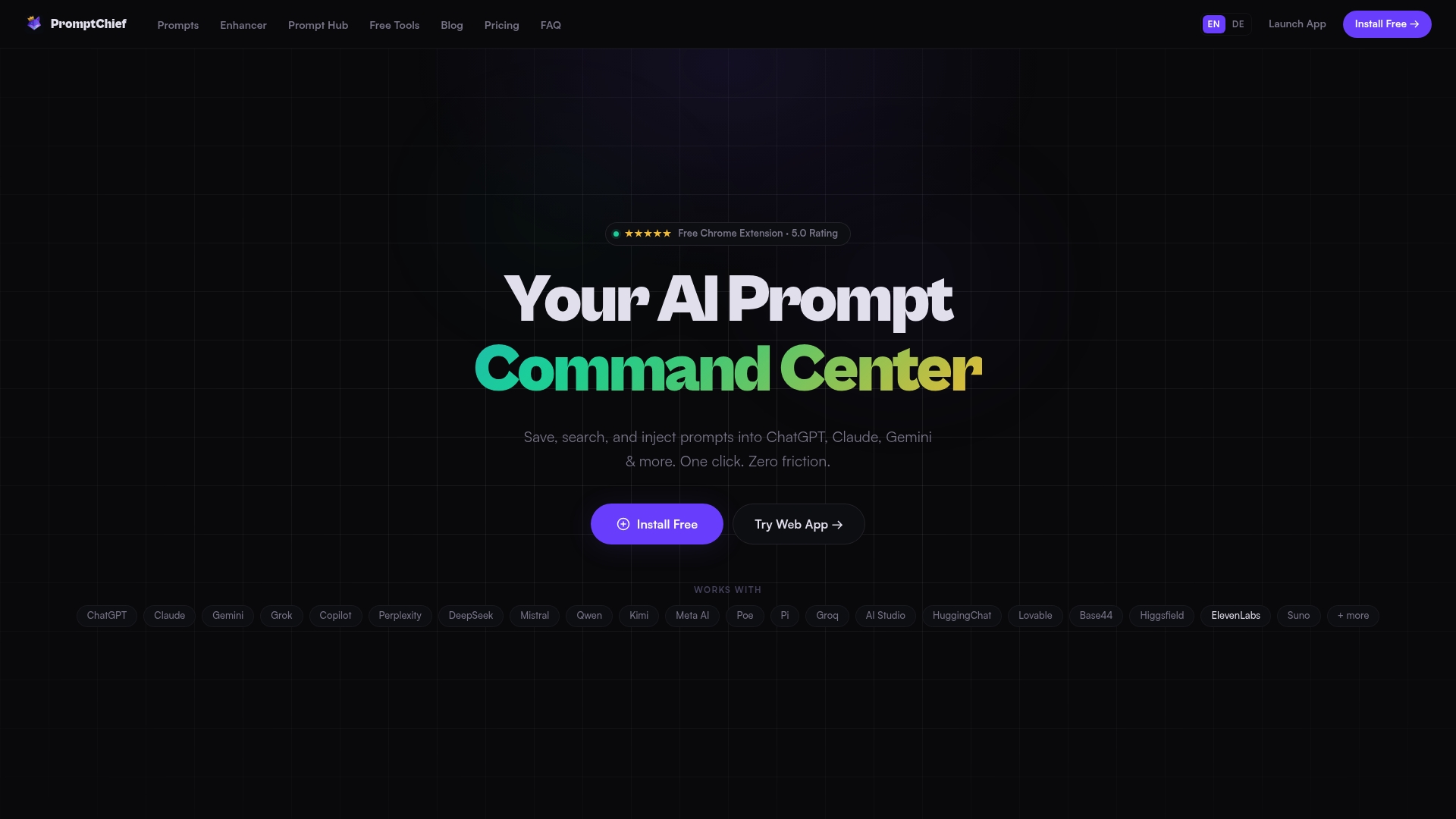
Current Plus prices are on our pricing page, with Teams pricing at €12 to €15 per seat per month for teams that need shared workspaces and approval workflows. Check plans and pricing to find the right fit.
FAQ
What is prompt lifecycle management?
Prompt lifecycle management is the code-like process of authoring, reviewing, testing, deploying, monitoring, improving, and retiring prompts with version control and evaluation records attached at every stage. It replaces unmanaged text edits with reproducible, gated releases.
How do you version prompts for reproducibility?
Reproducible versioning records the prompt text alongside its model identifier, runtime parameters, variables, and evaluation results, not the wording alone. Each version should link directly to the test results it passed before promotion.
What should a prompt regression test set include?
A regression set combines fixed ground-truth examples with automated graders for measurable properties like accuracy, schema compliance, and latency, plus human review for nuanced or safety-related cases a grader cannot judge alone.
How should teams roll back a failed prompt deployment?
A safe rollback restores a previously evaluated, known-good version identifier rather than recreating old prompt text by hand, which avoids the mismatches that hand-reconstruction tends to introduce.
Does PromptChief support prompt versioning and team workflows?
Our platform supports cloud sync across devices, templates, and team workspace features. Plans range from a free tier to Plus and Pro for individuals and Teams pricing for shared workspaces.