
A prompt audit checklist is a structured review of your saved prompt library, checking clarity, placeholders, safety, versioning, testing, and operational controls. Run these six checkpoints now: tighten instruction clarity, validate placeholder and template logic, confirm safety guardrails, check version and metadata records, run representative and adversarial test evals, and verify operational limits like model pinning and rollback plans.
TL;DR:
- Run audits before production releases, after model upgrades or incidents, and on a fixed schedule; reactive reviews often catch drift only after customer complaints.
- Validate typed placeholders and their values, keep untrusted input out of prompt bodies, and pair template reviews with safety checks to reduce injection risk.
- Record each prompt’s registry reference, version, risk tier, owner, and changelog; pin the tested model and keep a rollback plan ready before release.
- Set accuracy and defect rate thresholds before testing, then run broad automated evaluations alongside human spot checks to catch regressions without relying on intuition.
- Automated graders have shown correlations near 0.97 with human scores in some studies, but teams must recalibrate them regularly against human labels.
Table of Contents
- Why Audit Prompt Libraries: Goals and When to Run One
- The Full Prompt Audit Checklist by Category
- The Repeatable Audit Workflow: Define, Test, Diagnose, Fix
- How to Measure Prompt Performance: Metrics and Evaluation Methods
- Governance, Versioning, and CI/CD Integration
- What Running Prompt Audits Actually Teaches You
- Putting the Checklist to Work With PromptChief
- FAQ
- Sources
Why Audit Prompt Libraries: Goals and When to Run One
Prompt libraries grow fast and decay quietly. A prompt that worked well against one model version can break after an upgrade, and nobody notices until a customer does. Auditing is how you catch that before it costs you.
A useful audit targets four measurable goals:
- Reliability: fewer unexpected outputs across repeated runs.
- Safety: lower exposure to injection, leakage, or policy violations.
- Cost control: predictable token use and latency per call.
- Reproducibility: the same prompt version produces comparable results over time.
Certain moments make an audit non-optional rather than nice to have: before a production release, whenever the underlying model is upgraded, immediately after an incident, and on a scheduled cadence regardless of whether anything looks wrong. Teams that only audit reactively tend to discover drift the hard way, usually through a support ticket. A scheduled review surfaces the same issues earlier and cheaper, which is the entire point of treating prompts as managed assets rather than disposable text.
The Full Prompt Audit Checklist by Category
This is the checklist itself, organized so you can work through it category by category instead of hunting for what to check next.
- Quality and clarity: confirm each prompt states its instructions specifically, includes at least one example output, marks required versus optional inputs, defines the expected output shape, and has been checked for ambiguous phrasing that could be read two ways.
- Templates and placeholders: verify placeholders use typed schemas rather than free text, that placeholder values are validated before substitution, that untrusted input is never injected directly into the prompt body, and that sensible default values exist for optional fields.
- Safety and guardrails: confirm input filtering catches obviously malicious content, output constraints are enforced, high-risk tasks route through human-in-the-loop review, and mitigations map to recognized security guidance such as the OWASP Top 10 for LLMs, which calls for privilege controls, segregation of untrusted data, and input and output filtering.
- Versioning and metadata: every prompt carries a registry reference, a semantic version number, a risk tier, an author, a changelog entry, and a link to where audit evidence gets stored.
- Testing and evaluation: build representative test cases, edge cases, and adversarial cases, run automated evals alongside human validation, and set explicit pass or fail thresholds rather than relying on gut feel.
- Operational checks: pin the model version you tested against, set cost ceilings, confirm telemetry is capturing calls, define a latency target, and keep a rollback plan ready before you ship a change.
Clarity problems are the most common failure, and they are also the cheapest to fix. Microsoft's guidance on advanced prompt engineering recommends that system messages define roles and boundaries explicitly, include a stated policy for when the model is unsure, and specify output formats and fallback behaviors so the model has a defined path instead of guessing. A prompt missing that fallback instruction is a prompt that will eventually hallucinate its way around a gap.
Template and placeholder review deserves its own pass because it is where injection risk usually hides. Treating prompts as versioned, managed assets, with typed placeholders and metadata stored separately from the prompt body, makes substitution safer and easier to audit programmatically, an approach laid out in the prompt-template-manager project on GitHub.

Pro Tip: Run the safety and templating checks together: most injection vulnerabilities trace back to a placeholder that accepted untrusted input without validation.
The Repeatable Audit Workflow: Define, Test, Diagnose, Fix
A checklist tells you what to check. A workflow tells you how to move through it without losing track of what you found. Research on prompt library audits describes a repeatable cycle: define scope, test the prompts, diagnose failures, and fix or retire what does not pass, specifically to prevent regressions from creeping back in, as outlined in this prompt audit workflow research.
The four steps break down like this:
- Define: set the audit scope, success criteria, risk tier for each prompt, and the manifest fields you will collect (registry reference, version, author, last tested date).
- Test: assemble representative and adversarial eval sets, run both automated and human tests, and log every result with enough detail to reproduce it later.
- Diagnose: triage failures by severity, reproduce the failure case, tag it with a root cause, and record that reasoning alongside the test log.
- Fix: patch the prompt or template, bump the registry version, rerun the full eval suite in CI, and roll out behind a feature flag with monitoring and a rollback path ready.
Pro Tip: Close every audit cycle with three concrete artifacts: an audit report, an updated prompt registry entry, and a remediation ticket for anything that failed and still needs work.
Skipping the diagnose step is the most common shortcut teams take under deadline pressure, and it is also the one that guarantees the same bug resurfaces three releases later. Our CI-first guide to prompt testing walks through how to wire this cycle into a normal development pipeline rather than treating it as a separate event.
How to Measure Prompt Performance: Metrics and Evaluation Methods
Checking whether a prompt "seems fine" is not measurement. You need numbers you can compare release over release.
Quantitative metrics do the heavy lifting: accuracy against a labeled test set, defect rate per 100 runs, latency per call, and uptime of the service calling the model. Qualitative metrics fill the gap numbers miss: Likert-scale rubrics scoring clarity, tone, and fairness, aggregated across multiple human reviewers rather than a single opinion.
- Set a pass threshold for accuracy and defect rate before you run the eval, not after you see the results.
- Use LLM-as-judge grading for scale, but calibrate it against human labels on a recurring schedule rather than once at setup.
- Ask the automated grader to produce a short rationale with every score, since that rationale is what makes regression analysis possible later.
- Favor broad coverage with many lower-cost automated tests plus spot human grading over a handful of expensive hand-graded cases, a pattern Anthropic's testing and evaluation guidance recommends for catching regressions early.
LLM-as-judge grading can align closely with human judgment when properly calibrated: research on prompt audit metrics reports Spearman correlations near 0.97 between automated and human scores in some studies, which makes periodic recalibration the difference between a trustworthy grader and a misleading one.
For tooling, store eval sets as jsonl files, use an eval SDK pattern similar to what Microsoft Foundry's security and safety evaluation guidance describes, and run the same suite locally before every pull request merges, not just in a nightly pipeline.
Governance, Versioning, and CI/CD Integration
A checklist that only lives in a spreadsheet gets ignored by the third sprint. Governance is what keeps it enforced.
Policy basics worth writing down: every prompt references a registry entry, every production prompt pins a specific model version, audit evidence lands in a defined storage location, and one named role owns accountability for each prompt's risk tier. Mapping those rules to frameworks like the NIST AI Risk Management Framework, as shown in projects such as opa-nist-ai-rmf, gives you evidence a regulator or internal auditor can actually verify.
- Run eval suites as part of CI using YAML pipeline configs, not as a manual step someone remembers to do.
- Store eval datasets securely with role-based access control, gating deployment on passing results.
- Define who approves prompt changes, who runs red-team tests, and what triggers mandatory human review before release.
For teams that want a documented reference point, our own Security Audit (OWASP) page details the mitigations we apply, which supports exactly this kind of governance trail when you need to show your audit process to a client or a compliance reviewer. Teams needing deeper external penetration testing beyond internal review can look to specialized providers like Zero Through's IT security audit services for a second opinion on exposure.
What Running Prompt Audits Actually Teaches You
Most teams treat their first audit as a one-time cleanup rather than the start of a habit, and that is the mistake worth naming directly. A prompt library is a living asset. It decays the same way code decays when nobody reviews it, quietly and in the direction of least resistance.
The practical lessons repeat across teams that do this well: start with a small, high-traffic subset rather than auditing everything at once, version every prompt from day one instead of retrofitting it later, automate evals so the check happens on every change rather than once a quarter, and keep a human in the loop for anything safety-adjacent no matter how good the automated grader looks. Our prompt version control workflow and prompt documentation playbook cover the mechanics of making that stick.
— John
Putting the Checklist to Work With PromptChief
Running this checklist by hand across dozens of prompts scattered between documents, chat threads, and personal notes is where most audits stall before they finish. A cloud-synced registry turns the checklist from a one-time project into something you can rerun every release.
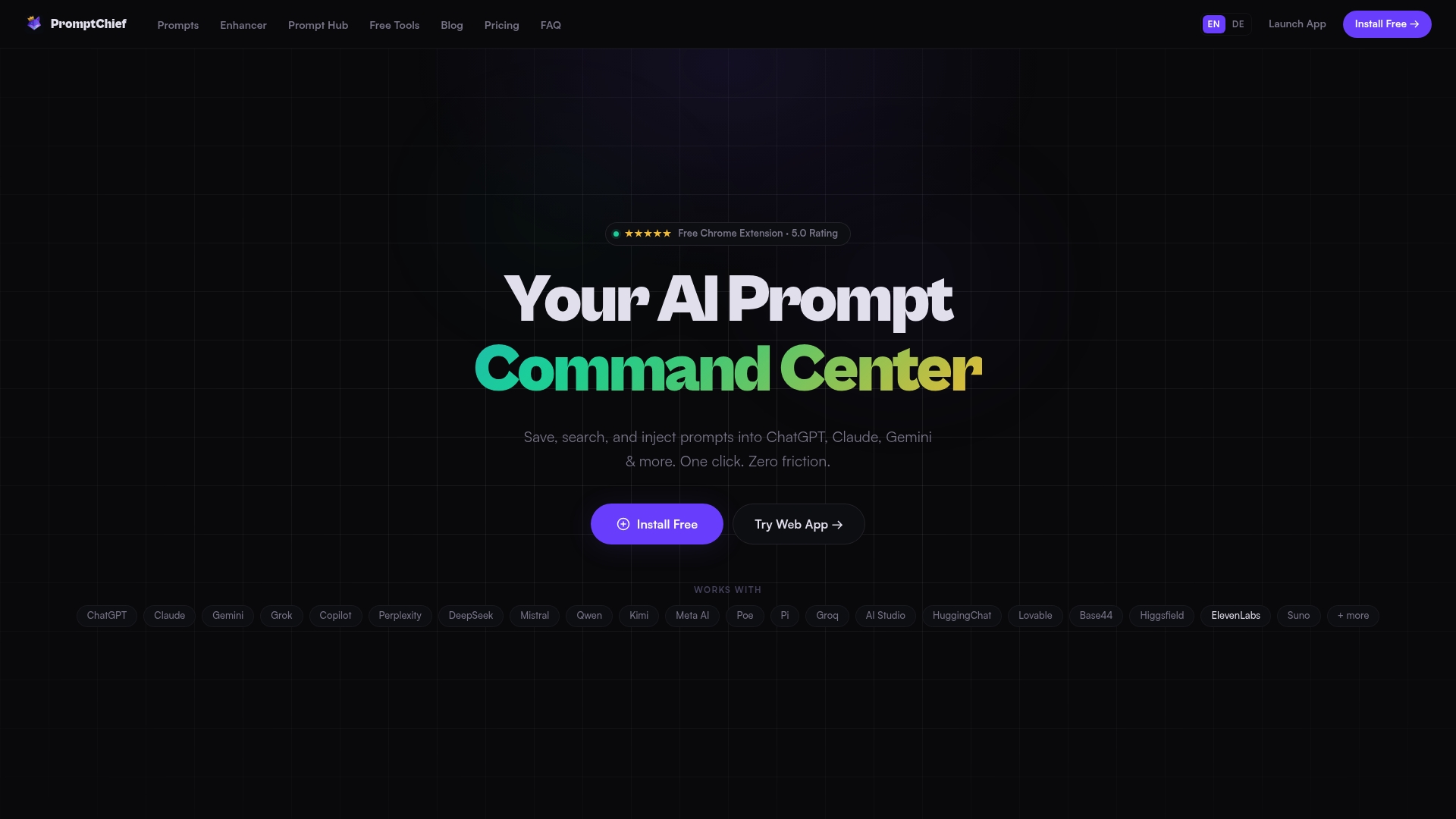
A cloud-synced registry keeps one source of truth across devices instead of three conflicting copies, built-in search and tagging replace the spreadsheet you were about to build, typed templates with fillable placeholders cover the templating checks, and team workspaces give you the shared accountability that governance requires. Version history gives you the changelog an audit trail depends on.
A practical first pass looks like this:
- Import your existing prompts into one workspace instead of leaving them split across tools.
- Export the library to run your first full audit pass against the checklist above.
- Set up a registry reference for each prompt as you go, so future audits start from a known baseline.
Our Prompt Management page walks through the registry, search, and template features in detail, and you can start on the Free plan or compare paid tiers on our pricing page once you know which features your audit workflow needs.
FAQ
What is a prompt audit checklist used for?
A prompt audit checklist is used to review a saved prompt library for clarity, placeholder safety, guardrails, versioning, and test coverage before and after releases. It turns an informal collection of prompts into a managed asset with evidence you can point to later.
How often should you audit a prompt library?
Audit on a scheduled cadence, plus immediately before production releases, after any model upgrade, and right after an incident. Relying only on scheduled reviews misses the drift that shows up after a model version change.
What is LLM-as-judge grading and is it reliable?
LLM-as-judge grading uses a language model to score outputs against a rubric instead of relying solely on human reviewers for every case. Research on prompt audit metrics found Spearman correlations near 0.97 against human labels in some studies, but that alignment holds only when the grader is recalibrated against human scores on a recurring basis.
How do you defend prompts against injection attacks?
Defense starts with input and output filtering, schema validation on placeholders, and adversarial red-teaming, mitigations the OWASP Top 10 for LLMs sets out directly. For engineering teams building defenses into production systems, Conversational AI's playbook on prompt injection defense covers practical mitigation patterns.
Can PromptChief help with prompt audits?
Our platform supports audit workflows through cloud-synced prompt storage, version history, and typed templates that cover several checklist categories directly. Plans range from a Free tier up through Plus and Pro, with full details on our pricing page.