
Build a modular, versioned prompt library with templates, metadata, and lightweight tests, and start by adding your five highest-value prompts to a searchable store. This approach follows OpenAI's prompting guidance on treating prompts as managed assets, and tools like PromptChief exist specifically to make that structure easy to maintain.
TL;DR:
- A Markdown repository with Git suits developers but lacks cross device sync; dedicated managers support multiple devices, while mixed teams may need both.
- Before production, test each prompt on five to ten realistic inputs with clear pass or fail criteria, then rerun checks when model versions change.
- Use typed placeholders and short reusable instruction fragments; tags for task, tone, model, and complexity help fuzzy search find prompts beyond exact titles.
- Keep credentials out of prompt text and fill secret placeholders from environment variables; record model hints because prompts rarely transfer unchanged across tools.
Table of Contents
- Why a Prompt Library Matters and Where It Pays Off
- Key Elements to Design First: Names, Templates, and Metadata
- Step-by-Step Setup: From Scope to a Validated Library
- Organize and Search Your Library So Nothing Gets Lost
- Maintain and Test Your Library: Pruning, Versioning, and Lightweight CI
- Integration Patterns: Injection, Reuse, and Practical Workflows
- How PromptChief Supports This Setup
- What I've Learned Building and Maintaining Prompt Libraries
- Get Your Prompt Library Running This Week
- FAQ
- Sources
Why a Prompt Library Matters and Where It Pays Off
Rewriting the same instructions every time you open a chat window wastes time and produces inconsistent results. A prompt library solves both problems at once: you capture what works, store it somewhere searchable, and pull it out again when the task repeats.
The payoff shows up fastest in a few common situations. Drafting marketing copy, extracting structured data from messy documents, and writing or reviewing code all involve repeatable instructions that barely change between tasks, so a saved template beats starting from a blank page every time.
Teams get an added benefit: onboarding. A new hire who inherits a well-organized prompt library can produce consistent output on day one instead of guessing at phrasing that took a predecessor months to refine.
OpenAI's prompt engineering guidance backs this up with a specific practice: evaluate prompts against representative tasks before trusting them in production, rather than relying on a single good result. That habit alone separates a library you can trust from a folder of half-remembered one-offs.
A working library typically earns its keep through:
- Faster turnaround on recurring tasks like outlines, summaries, and code reviews
- Fewer inconsistent outputs across team members using the same prompt
- Lower onboarding time for new contributors who reuse proven instructions
- Reduced token waste from rewriting instructions the model already handled well once
Key Elements to Design First: Names, Templates, and Metadata
Before you save a single prompt, decide on the schema every entry will follow. Skipping this step is why most prompt collections turn into unsearchable junk drawers within a few months.
Naming conventions. Give every prompt a short, descriptive name and a one-line summary of what it does and when to use it. A name like "blog-outline-v2" tells you more at a glance than "Prompt 14," and the version number signals that an earlier variant exists somewhere in your history.
Interactive templates with placeholders. Static prompts age badly because they bake in details that change from task to task. OpenAI's prompting documentation recommends building interactive templates with clearly marked placeholders instead, so a single entry handles dozens of variations. A placeholder like {{audience}} or {{target_word_count}} keeps the structure intact while swapping only what differs. One guide on building your own prompt library adds a useful refinement: type and validate placeholders, enforcing an enum or a simple schema on inputs, so downstream tools can rely on structured values rather than free text.
Metadata fields. Each entry should carry a small set of fields beyond the prompt text itself:
- Model hints (which model or version the prompt was tuned against)
- Tags for task type, tone, and complexity
- Last-tested date, so stale entries are easy to spot
- Expected output format or a short sample result
Fragments over monoliths. A 400-word prompt that handles five different jobs is harder to fix than five short, focused prompts that each do one job well. Breaking instructions into reusable fragments, a tone block, a formatting block, a constraints block, lets you update one piece without rewriting everything downstream. OpenAI's guidance on prompting specifically calls out fragments and chaining as a way to avoid rewriting shared instructions every time a related prompt changes. A walkthrough on structuring a prompt library shows how this looks in practice once you have more than a handful of entries.
Pro Tip: Write the metadata fields into a template before you save your first prompt, not after you have fifty of them to retrofit.
Step-by-Step Setup: From Scope to a Validated Library
Setting up a library that actually gets used follows a predictable sequence. Skipping steps is how libraries end up abandoned after the first enthusiastic week.
- Identify your five highest-value prompts. Look at what you retype most often: a weekly report format, a code review checklist, an email draft structure. These five become your seed library.
- Choose a storage approach. A markdown file in a project repo works for solo developers who already live in git and want version history for free. A dedicated prompt manager with cloud sync fits anyone who switches between a laptop and a phone or works across multiple AI tools during the day. A hybrid, repo for engineering prompts and a manager for everyday drafting, suits teams with both technical and non-technical members.
- Build out templates and fragments. Add placeholders, a sample fill for each one, model notes, and the metadata fields decided earlier. The free template collection is a reasonable starting point if you want structure to copy rather than build from scratch.
- Validate before marking anything stable. Run each new prompt against five representative fixtures, not just the one example that inspired it. OpenAI's prompt engineering guidance recommends this exact range, five to ten tasks, specifically to avoid overfitting a prompt to a single scenario.
- Decide how you'll deploy it. Options include copy and paste through a browser extension, an API wrapper for automated workflows, or a template function inside your own codebase. Pick based on who uses the prompt and how often.
Storage choice deserves a closer look, since it is the decision hardest to reverse later.
| Storage option | Best for | Tradeoff |
|---|---|---|
| Project repo (markdown + git) | Developers already using git | No cross-device sync without extra tooling |
| Dedicated prompt manager | Non-technical users, multi-device work | Depends on a third-party platform |
| Hybrid approach | Mixed technical and non-technical teams | Requires keeping two systems in sync |
Pro Tip: Treat your first five prompts as a pilot, not a finished product; expect to rewrite at least two of them after the first round of fixture testing.
Organize and Search Your Library So Nothing Gets Lost
Once you have more than a dozen prompts, organization stops being optional. The structure you pick determines whether you find the right prompt in ten seconds or give up and retype it.
Folder-by-project works well when most of your prompts are specific to one client, campaign, or codebase, since everything related sits together. Folder-by-task works better when the same prompt type, say, a code review checklist, gets reused across many unrelated projects. Most people land on a hybrid: top-level folders by project, with a shared "utilities" folder for prompts used everywhere.
Tags do the heavy lifting that folders can't. A reasonable tagging scheme covers:
- Task type (drafting, extraction, review, brainstorming)
- Persona or voice the prompt writes in
- Target model, since some prompts are tuned to a specific one
- Tone (formal, casual, technical)
- Complexity (quick one-liner versus multi-step chain)
A short project TL;DR, two or three sentences summarizing a project's goals, audience, and constraints, primes the model before you even reach the task-specific prompt. One prompt library repository's README uses exactly this pattern: a single project summary paired with quick-start prompts that let anyone bootstrap a workflow without reading documentation first.
For search to actually work across a growing collection, metadata needs to support fuzzy matching, not just exact titles. That means indexing on the description, tags, and even partial fragment names, so a search for "onboarding email" still surfaces a prompt named "new-hire-welcome-v3." A prompt organizer built around a community hub demonstrates this kind of cross-reference at a larger scale, where chained prompts and shared templates need to surface regardless of what you call them.
Maintain and Test Your Library: Pruning, Versioning, and Lightweight CI
A prompt library without maintenance degrades the same way any codebase does: unused entries pile up, forgotten edge cases resurface, and nobody trusts the results anymore.
Start with a validation workflow you actually repeat. Each prompt needs a small set of representative fixtures, five to ten realistic inputs, and a clear pass or fail criterion for each one. OpenAI's guidance on prompt engineering frames this as evaluation against representative tasks, specifically to catch prompts that only work on the one example used to write them.
Version control matters just as much as testing. Keep prompts in git or use semantic filenames (summary-v1, summary-v2) so you can trace what changed and why. A guide to versioning for production LLM teams walks through embedding this kind of governance directly into development workflows, using pull requests and changelogs the same way you would for application code.
A reasonable maintenance routine includes:
- A fixed review cadence (monthly or quarterly, depending on how fast your use cases shift)
- Archiving prompts that haven't been run in 90 days rather than deleting them outright
- Requiring a changelog entry for any edit to a prompt already in production use
- Running regression checks whenever the underlying model version changes
Automated optimization tools can help accelerate this cycle, though they still require a human in the loop. Microsoft Foundry's Prompt Optimizer generates suggested improvements to system instructions through an iterative process, but every change requires explicit review and acceptance before it persists, which keeps a human accountable for what actually ships.
Integration Patterns: Injection, Reuse, and Practical Workflows
A library only pays off once prompts move easily from storage into whatever tool you're using at the moment, whether that's a chat window, an API call, or a browser extension.
Injecting a template safely means filling placeholders before the prompt reaches the model, never leaving raw variables in the text and never hardcoding values that should stay dynamic. For API calls, a thin wrapper function that accepts arguments and returns the filled template keeps this consistent across every script that calls it.
Portability across tools takes a bit more planning. A prompt tuned for one model's context window may need trimming for another with a smaller token budget, and model-specific quirks (how literally an instruction gets followed, for example) mean a "works everywhere" prompt is rare. Recording model hints in your metadata, as mentioned earlier, pays off directly here. A practical guide to reusing prompts across different AI tools covers the adjustments worth making before porting a prompt from one platform to another.
Workflow shape depends on who's using the library. An individual working solo usually does fine with clipboard copy and a browser extension for quick injection. A team running the same prompts through automated pipelines benefits more from API wrappers that pull directly from the stored template, removing manual copy-paste from the loop entirely.
One security point deserves direct attention: never embed API keys, passwords, or other secrets inside a prompt's text. Use placeholders that get filled from environment variables at call time instead, the same way you would handle any other credential in application code. Technical guidance on defending against prompt injection covers related risks worth understanding if your prompts ever process untrusted input.
Pro Tip: Keep a short "fallback" version of every cross-tool prompt, trimmed to roughly half the token count, for the moments a smaller model or tighter context window is all you have available.

How PromptChief Supports This Setup
The setup described above maps directly onto features built for this exact workflow. Cloud sync keeps your library available across devices, so you can access the same prompts wherever you go. Fuzzy search and tagging help you find prompts even when you don't remember their exact names. Templates and prompt chains give you the fragment-based structure that keeps maintenance manageable as the library grows, and the prompt chains feature specifically supports the multi-step workflows that monolithic prompts struggle with. Injection through a browser extension covers the deployment step across multiple AI platforms without manual copy-paste.
A practical starting point: import or write your five highest-value prompts, turn on sync, and test injection through the extension on whichever tool you use most during a normal week.
What I've Learned Building and Maintaining Prompt Libraries
Start small. A library with five solid prompts you actually use beats fifty you copied from someone else's collection and never tested. The libraries that survive have one more thing in common: someone owns them, and a review date is on a calendar instead of "whenever we get to it."
As a library grows, modular fragments and automated fixture checks matter more than clever prompt wording. Treat it like a garden, as one guide to power-user prompt libraries puts it: regular pruning and testing are what separate a library that stays useful from one that quietly becomes clutter.
— John
Get Your Prompt Library Running This Week
Everything in this guide, templates, metadata, versioning, cross-device sync, works best when it lives in one searchable place instead of scattered across notes apps and chat histories. We built PromptChief around exactly that gap: save a prompt once, tag it, and find it again from any device without retyping a thing.
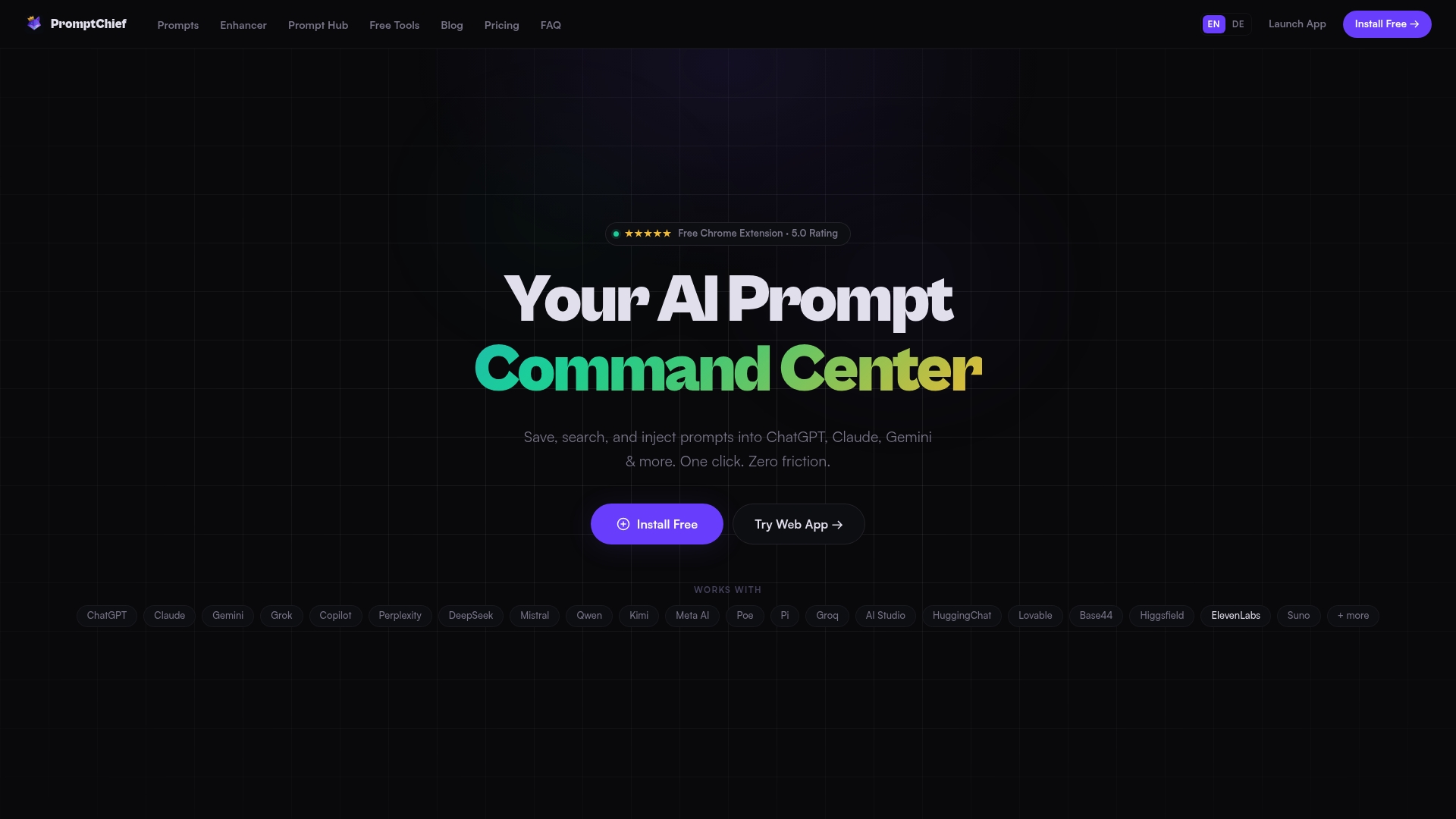
Our Free plan lets you start with your first five prompts today, no setup beyond a sign-up, and our Plus and Pro plans add the fuzzy search, prompt chains, and team workspace features covered throughout this guide as your library grows. Start building at PromptChief and bring your highest-value prompts into one place before the week is out.
FAQ
How many prompts should I start my library with?
Start with your five highest-value prompts, the ones you retype most often, rather than trying to capture everything at once. Expand the library only after those five are validated against representative fixtures and genuinely saving you time.
Should I store prompts in a git repo or a dedicated prompt manager?
A git repo with markdown files suits developers who want version history integrated with existing code, while a dedicated manager with cloud sync suits anyone switching between devices or AI tools. Many teams use a hybrid: a repo for engineering prompts and a manager for everyday drafting work.
How often should I review and prune a prompt library?
A monthly or quarterly review cadence works for most libraries, with prompts unused for 90 days moved to an archive rather than left active. Treating the library as a living document, rather than a one-time setup, is what keeps it from becoming cluttered.
How do I test a prompt before trusting it in production?
Run the prompt against five to ten representative fixtures that reflect real use cases, not just the single example that inspired the prompt, and define a clear pass or fail standard for each one. This evaluation step, recommended in OpenAI's prompt engineering guidance, catches prompts that only work on the scenario used to write them.
Can I use the same prompt library across different AI tools?
Yes, with some adjustment: record model hints and token budget notes in your metadata so you know which prompts need trimming for a smaller context window before reusing them elsewhere. A platform with cross-tool injection support, like a browser extension that works across multiple AI platforms, removes most of the manual copy-paste that otherwise makes multi-tool reuse tedious.
Sources
- Prompting
- AI power user? How to create your own AI prompt library
- Optimize agent prompts with Prompt Optimizer (preview) - Microsoft Foundry