
A cross-app prompt workflow is a repeatable way to use the same prompts, templates and multi-step sequences in every AI tool you touch, without rebuilding them each time. The core idea is simple: keep one source of truth for your prompts, adapt only what each model needs, and move the output between steps deliberately instead of by copy and paste. This guide shows how to set that up, where it breaks, and what to check before you sync prompts across devices or teammates.
TL;DR
- Store prompts in one searchable library outside any single chatbot, so ChatGPT, Claude and Gemini all draw from the same place.
- Write prompts as templates with variables, then adjust structure per model (XML tags for Claude, for example) instead of rewriting from scratch.
- Break big jobs into a chain of small prompts and pass each output forward; add a quality check before the final step.
- Version your prompts and treat pasted web content as untrusted data.
- A prompt manager with cloud sync and browser injection, like ours, removes most of the manual copying.
Table of Contents
- What a cross-app prompt workflow actually is
- Why prompts break when you move them between apps
- The four layers of a working setup
- A worked example: a weekly content workflow
- Version your prompts like code
- Privacy and security when prompts travel
- Our perspective
- Where PromptChief fits
- Setting it up in an afternoon
- Common mistakes to avoid
- FAQ
- Sources
What a cross-app prompt workflow actually is
Start with the basic unit. AWS describes a prompt as the information passed to a large language model to get a response: context, supplied data, conversation and action history, instructions and examples. Prompt engineering is the work of designing and refining those inputs.
A workflow adds two things on top of a single prompt: order and reuse. Order means one prompt leads to the next. Reuse means you do not retype the prompt every time you open a new tab. "Cross-app" means this happens across several AI products, such as a chat assistant in the browser, a coding assistant in your editor and an image or voice tool.
In practice most people have a messy version of this already. A good prompt lives in a notes app, another in a chat history from March, a third in a Slack message to yourself. Each tool gets a slightly different copy, and none of them is current. A cross-app workflow replaces that with a deliberate system.
Why prompts break when you move them between apps
Copying a prompt from one assistant to another looks harmless. It often is not, for four reasons.
Models read structure differently. A prompt that works as a loose paragraph in one tool may be parsed better with explicit delimiters in another. Anthropic's documentation says that wrapping prompt content in XML tags such as instructions and context helps Claude parse complex prompts more accurately, especially when system instructions and variable inputs are mixed.
Context windows and input order differ. The same Anthropic page notes that for very large inputs (20k+ tokens), placing long documents at the top and the question at the end can improve response quality by up to 30 percent in their tests. If your prompt pastes a long report, the order matters, and a prompt written for a short chat may not travel well.
Variables get lost. A prompt like "Write a launch email for [PRODUCT] aimed at [AUDIENCE]" only works if you remember to replace the brackets. When copies drift, stale placeholders end up in real output.
There is no shared standard for the interface. Even proposed interoperability efforts admit the limit. The HARP-PROMPT draft specification describes a portable prompt artifact with a target, text, optional metadata and a SHA-256 hash, but it also states that injecting a prompt into the user interface remains tool-specific. Until that changes, every app has its own text box and its own quirks.

The four layers of a working setup
It helps to think of the system in layers. Each answers a different question.
| Layer | Question it answers | What good looks like |
|---|---|---|
| Library | Where do my prompts live? | One searchable collection, organized by task, not by app |
| Templates | How do I reuse a prompt with new inputs? | Prompts with named variables you fill in at run time |
| Adapters | What changes per model? | A short note or variant per platform, not a full rewrite |
| Chains | How do prompts hand off to each other? | Numbered steps with clear inputs and outputs |
Most people stop at the first layer, which already helps. The real gain shows up when the library, templates and chains work together.
Layer 1: One library, organized by task
Folders named after apps ("ChatGPT prompts", "Claude prompts") recreate the problem you are trying to solve. Organize by job instead: "client emails", "code review", "research summaries", "lesson plans". Tag each prompt with the models you have tested it on. Search matters more than folders once you pass a few dozen prompts, so pick a tool where you can find a prompt by a half-remembered phrase. Our guide on how to organize your AI prompts walks through a structure that holds up as the collection grows.
Layer 2: Templates with variables
A reusable prompt is a template. Microsoft's Visual Studio Code documentation shows the same idea in developer tooling: MCP prompts are reusable chat prompt templates invoked as slash commands. They can adapt to local context and services, and they may ask for arguments before attaching resources as chat context. Reusable templates with arguments also turn up outside engineering, for example in classroom tools described in AI for language teachers.
You do not need an editor integration to get the benefit. Write your own templates with clearly named variables, such as {{audience}}, {{tone}} and {{source_text}}, and fill them in each time. For a starting point, see our free AI prompt templates and the longer piece on storing, injecting and reusing ChatGPT prompt templates.
Layer 3: Adapters for each model
Do not maintain five versions of every prompt. Keep one master and add small adapters only where testing shows a difference. Typical adapters are:
- Delimiters: XML-style tags for models that handle them well, plain headings for others.
- Input order: long source material first, question last, for large pastes.
- Output format: a stricter format instruction for tools that tend to ramble.
- Length: a trimmed version for tools with smaller windows.
Test each adapter on the same three or four inputs and record which version won. That small log is worth more than any rule of thumb.
Layer 4: Chains that hand off between steps
AWS defines prompt chaining as breaking a complex task into smaller subtasks, each represented by its own prompt, and feeding them to the model in a predefined order or by rules. The cross-app twist is that different steps can run in different tools. You might draft in one assistant because you like its prose, then run a fact-check step in another.
Microsoft's Azure Architecture Center calls this pattern sequential orchestration, also known as a pipeline or prompt chaining: each step processes the previous step's output in a set order, which suits step-by-step processing and progressive refinement. The same page is candid about the cost: sequential workflows are deterministic, but early failures can propagate and there is no parallelism.
A worked example: a weekly content workflow
Here is a chain a marketer might run across tools. Every step is a saved prompt with variables.
- Research summary. Paste three source articles into a long-context assistant. Template: summarize each source in five bullets, then list points where they disagree.
- Outline. Feed the summary into a second prompt: build an outline for {{audience}} with a hook, three sections and a call to action.
- Draft. Run the outline through your preferred writing assistant with a tone variable.
- Quality check. A separate prompt reviews the draft against a checklist: claims without sources, vague sentences, missing call to action.
- Revise or accept. If the check flags problems, regenerate only the flagged sections.
Step 4 is not decoration. Cloudflare's agent documentation shows the same shape: a chained workflow passes one model call's output into the next, then uses a quality-check result to decide whether to regenerate improved output. When you want to see how several models answer the same question before choosing which one gets a step, a multi-model output audit gives you a quick side-by-side.
Do not over-engineer it. More steps mean more places for errors to compound. We cover the trade-off in avoiding overchaining with multi-step prompting, and for code-heavy cases see AI prompt chains for code review and more.
Version your prompts like code
A prompt you edit in place is a prompt you cannot roll back. Firebase AI Logic gives a clean convention for server-side templates: append a semantic version to the template ID. You can borrow it for a personal library.
- Name prompts by task and version, such as "client-email-v1.2".
- Bump the minor number for small wording changes and the major number when the output format changes, because downstream steps may depend on it.
- Keep a one-line note on why it changed.
This matters most for chains. If step 3 expects a bulleted outline and you change step 2 to return a table, step 3 quietly degrades. Versioning makes that visible.
Privacy and security when prompts travel
Syncing prompts across devices and sharing them with teammates adds risks that a single chat window does not have.
Do not store secrets in prompts. API keys, client names, unreleased numbers and personal data do not belong in a saved template. Use variables and fill them in at run time.
Treat pasted content as untrusted. When a workflow feeds a web page or tool output into a prompt, that text can contain instructions of its own. Anthropic advises that untrusted content should be explicitly defined as data in the prompt structure so it cannot override system-level instructions. In a template, that means wrapping the pasted text in its own labeled block and telling the model to treat it as material to analyze, not commands to follow.
Check where your library is stored and who can see it. Know whether prompts are private by default, what happens when a teammate leaves, and whether you can export everything. Our write-up on how teams save and share AI prompts covers sharing rules in more depth.

Our perspective
We build a prompt manager, so we see the same pattern in nearly every workflow that goes wrong: the problem is rarely the prompt, it is where the prompt lives. People write something good, lose it in a chat history, and rewrite a worse version a week later in a different app.
We think the fix has three parts. First, the library should sit outside any single chatbot, so it works with ChatGPT, Claude, Gemini and the rest. Second, it should be a few keystrokes away inside the tool you are already using, because every extra tab is a reason to skip the system. Third, it should follow you between devices, which is why we built cloud sync.
We also believe chains should stay short. Two or three well-tested steps beat a ten-step pipeline that nobody can debug. Start with one repetitive task, save it as a template, and only chain when you can name what each step hands to the next.
— John
Where PromptChief fits
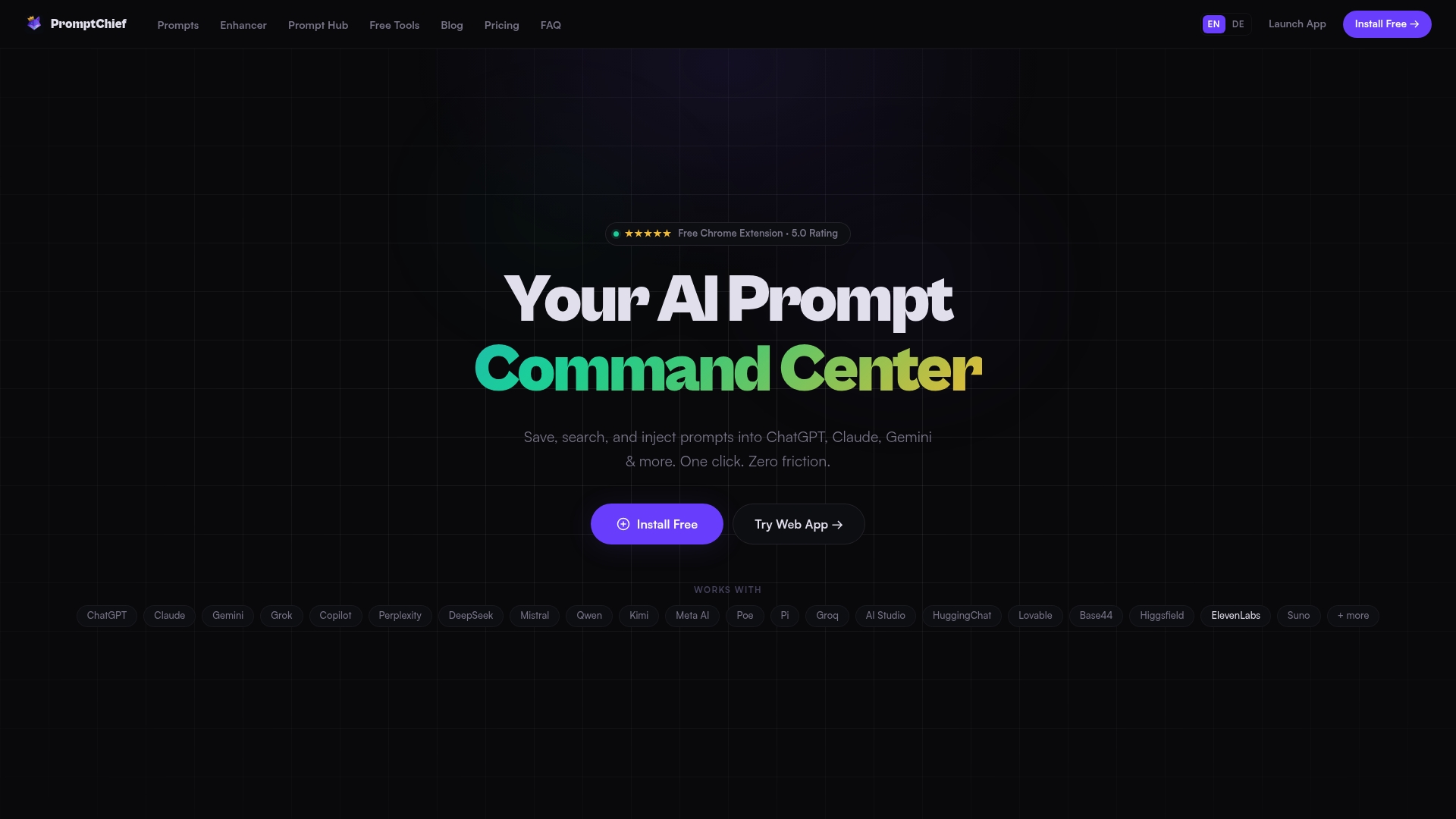
PromptChief is a cloud-synced prompt manager with a Chrome extension and a web app. You save prompts once, find them with fuzzy search, and inject them into 27+ AI platforms, including ChatGPT, Claude and Gemini. Magic placeholders handle template variables, multi-step prompt chains cover handoffs, and a community Hub offers 400+ prompts to start from.
The Free plan costs €0 per month. Plus is $8.11 per month or €69.90 per year, Pro is $17.39 per month or €149.88 per year, and Teams runs €12-15 per month per seat. See the pricing page for the current details, or read how the cloud sync and Chrome extension work together.
Setting it up in an afternoon
You do not need to migrate everything at once. This sequence works for most people.
- Collect. Gather the ten prompts you reuse most. Ignore the rest for now.
- Templatize. Replace anything that changes between uses with a named variable.
- Tag. Note which models you have tested each prompt on and any adapter it needs.
- Test across apps. Run each prompt in two tools with the same input. Keep the winning variant and record why.
- Chain one task. Pick a job you do weekly and split it into two or three steps.
- Review monthly. Retire prompts you did not use and bump versions on the ones you edited.
For a fuller routine, the prompt management workflow for power users goes step by step, and what a prompt manager is explains the category if you are comparing approaches.
Common mistakes to avoid
- Organizing by app instead of task. You end up with duplicates and no clear master.
- Skipping the test. A prompt that works in one model is a hypothesis, not a fact, in another.
- Chaining too early. If a single prompt gets 90 percent of the way, adding steps often adds errors.
- No quality gate. Without a check step, a bad intermediate output flows straight to the end.
- Copying without versions. Three slightly different copies of the same prompt is how teams lose a month of tuning.
FAQ
Can I use the same prompt in ChatGPT, Claude and Gemini?
Often yes for simple requests, but test before you trust it. Structure matters more as prompts get longer: Anthropic recommends XML-style tags for complex Claude prompts, and input order can change quality on large pastes. Keep one master prompt and add a small adapter only where your testing shows a difference.
What is the easiest way to keep prompts in sync across devices?
Use a prompt manager with cloud sync instead of a notes file or a chat history. That way the same library is available in your browser at work and at home, and edits show up everywhere. Make sure you can export your library so you are never locked in.
How many steps should a prompt chain have?
As few as the task allows, usually two to four. Each step adds a place where an error can carry forward, since sequential workflows pass early mistakes downstream. Add a check step before the final output rather than more generation steps.
Is it safe to store prompts in the cloud?
It depends on what is in them. Keep secrets, personal data and confidential client details out of saved prompts and use variables instead. Check who can see shared prompts and what happens to access when someone leaves your team.
Sources
- AWS: Building generative AI prompt chaining workflows with human in the loop
- Visual Studio Code: MCP developer guide
- Anthropic: Prompt templates and variables
- Anthropic: Mitigate jailbreaks and prompt injections
- Microsoft Azure Architecture Center: AI agent orchestration patterns
- Cloudflare Agents docs: Agentic patterns
- Firebase AI Logic: Manage templates
- HARP-PROMPT specification