
The fastest way to streamline your ChatGPT workflow is to stop treating every task as a fresh conversation. Build reusable prompt templates, connect ChatGPT to triggers and actions through integration tools, design bounded agentic workflows for recurring jobs, and manage everything through a central prompt manager instead of scattered documents. Quick wins you can implement today: save your three most-used prompts as templates, set up one scheduled sync for a repetitive report, and pick a single multi-step task to automate with an approval gate before letting it run unsupervised.
TL;DR:
- Automate tasks that consume more than 15 minutes weekly by converting them into reusable templates with placeholders and linking related prompts for efficiency.
- Implement multi-step workflows mainly for recurring, complex jobs like weekly reports or client summaries, adding approval gates and error recovery to ensure reliability.
- Connect ChatGPT to other tools through platforms like Zapier, APIs, or workspace agents, focusing on automating routine actions such as extracting tasks from transcripts or drafting responses.
- Start with draft-only automation, track success metrics, and gradually expand control, reserving full autonomy for low-risk tasks once consistent performance is verified.
- Use a cloud-synced prompt library to organize templates, chains, and variations for easy access, version control, and team collaboration, reducing friction and ensuring consistency.
Table of Contents
- What Tactics Actually Streamline a ChatGPT Workflow?
- Which Prompt Patterns Should You Reuse Across Tasks?
- How Do You Connect ChatGPT to Your Other Tools?
- When Should You Build a Multi-Step Agentic Workflow?
- How Do You Monitor and Scale ChatGPT Automations Safely?
- Author Perspective: What Adoption Actually Looks Like
- How PromptChief Makes This Easier to Actually Run
- Sources
- FAQ
What Tactics Actually Streamline a ChatGPT Workflow?
Not every task deserves automation. The ones worth your time are the ones you repeat, and the biggest wins come from converting those repeats into systems instead of one-off chats.
Start by auditing your week. Which prompts do you rewrite from scratch more than twice? Weekly status updates, client email drafts, meeting recaps, competitive research summaries. These are the candidates. If a task eats time multiple times a week, that's a substantial amount of time you can mostly reclaim.
Here's the order of operations that gets you the most value fastest:
- List every repeatable task and estimate the time each one costs weekly. Anything over 15 minutes a week is worth converting.
- Turn the winning tasks into templates. Replace variable details (names, dates, product names) with placeholders so the same prompt works across dozens of situations.
- Chain related prompts together. A weekly report might need a data pull, a summary pass, and a formatting step. Link them instead of running them separately each time.
- Use ChatGPT's workspace agents where they fit. OpenAI's workspace agents let teams build shared agents that keep working in the cloud, run on a schedule, and connect to other tools with admin controls for who can trigger what.
- Add a human checkpoint. Every automated task needs an owner who reviews outputs before they go anywhere important, at least at first.
Skipping step 5 is where most rollouts go wrong. Automation without oversight just moves the mistake downstream faster.
Pro Tip: Keep a running "automation candidates" note in whatever tool you already use. Every time you catch yourself retyping a similar prompt, jot it down. After two weeks, you'll have a ranked list of what to build first without guessing.
Which Prompt Patterns Should You Reuse Across Tasks?
A handful of prompt structures cover most professional work. Learn these once and you stop reinventing the wheel every time you open a new chat.
The role pattern is the simplest: "Act as a [role] and produce [output] within [constraints]." Telling ChatGPT to act as a technical editor reviewing a blog draft for clarity produces a noticeably different result than a vague "improve this."
The system and constraints pattern locks down tone, length, and format up front so you're not fixing the same issues every time. Specify word count, required sections, banned phrases, and audience level in one block before you ask for the actual output.
Extraction templates turn messy input into structured data. Feed ChatGPT a meeting transcript with a prompt like "Extract action items, owners, and deadlines into a table" and you skip the manual note-taking entirely.
Stepwise chains split complex work into stages: plan, draft, critique, then final edit. Running these as separate calls, rather than one giant prompt, gives you better control and catches errors before they compound. Tom's Guide compiled several prompts built around exactly this kind of staged structure, covering everything from content systems to daily planning.
A few templates worth adapting immediately:
- "Summarize this transcript into three sections: decisions made, open questions, and next steps with owners."
- "Rewrite this email to be 50% shorter while keeping the same requests intact."
- "Act as a skeptical editor and list every unsupported claim in this draft."
- "Convert this list of features into a comparison table with columns for cost, setup time, and best use case."
Pro Tip: Store your placeholders in brackets, like [CLIENT NAME] or [DEADLINE], so you can find-and-replace in seconds. If you're managing more than a handful of these, a dedicated prompt template library saves you from digging through old chat threads. You can also look at prompts designed for natural-sounding output if your templates keep coming back sounding robotic.
How Do You Connect ChatGPT to Your Other Tools?
Real automation follows a three-part structure: a trigger, a set of conditions, and an action. This is the model Zapier uses across its automation workflows, and it applies just as cleanly to ChatGPT-based tasks. A trigger is the event that starts the process (a new email, a scheduled time, a form submission). Conditions decide whether the workflow should actually run. Actions are what happens once it's approved, whether that's drafting a reply, updating a spreadsheet, or posting to Slack.
You have a few integration options depending on your technical comfort:
- Workspace agents inside ChatGPT for teams that want scheduled, shared automations without leaving the platform.
- Browser extensions with prompt injection for individuals who want one-click access to saved templates without copy-pasting between tabs.
- Automation platforms like Zapier or Make for connecting ChatGPT to email, CRMs, and spreadsheets without writing code.
- Direct API calls for developers who need custom logic or higher-volume processing than a no-code tool handles well.
Three recipes worth copying directly:
- Meeting transcript to task list. Trigger: a new transcript file lands in a folder. Action: ChatGPT extracts action items and pushes them to your task manager.
- Email triage and draft responses. Trigger: a new email hits a specific label. Condition: the sender matches a client list. Action: ChatGPT drafts a reply for human review before sending.
- Scheduled report generation. Trigger: a weekly time stamp. Action: ChatGPT pulls the latest analytics export and formats it into a summary for stakeholders.
Watch your token usage on anything that runs on a schedule. A daily automation that processes long documents adds up fast, so budget for it the same way you'd budget for any recurring software cost, and check your usage against an API cost calculator before you scale a workflow up.
When Should You Build a Multi-Step Agentic Workflow?
Agentic workflows earn their complexity when a job has multiple steps, a clear finish line, and happens often enough to justify the setup time. A one-off task doesn't need an agent. A weekly operating review, a recurring client report, or a developer's issue-to-pull-request pipeline does.
The productivity gains from giving AI actual agency over a multi-step process, rather than just answering isolated questions, tend to be largest in exactly these bounded, repeatable jobs, according to a breakdown of agentic ChatGPT use cases covering founders and operators building these systems.
Building one reliably means resisting the urge to hand over full control immediately:
- Start in draft-only mode, where the workflow produces output but takes no real-world action.
- Add an approval gate before anything gets sent, published, or posted externally.
- Expand permissions incrementally, one action type at a time, only after the draft output has proven consistent.
- Build in retry logic and state tracking rather than assuming every run completes cleanly.
That last point matters more than it sounds. Production-grade automation needs durable state and error recovery, because a workflow that silently fails halfway through is worse than no automation at all. This is a well-documented problem in workflow engineering generally, not something unique to AI, and platforms built for durable execution handle it so you don't have to reinvent retry mechanics yourself. A small rollout might look like: prototype the workflow on one task for a week, audit every output against what a human would have produced, then expand scope only once the error rate drops to something you'd tolerate from a junior employee.
How Do You Monitor and Scale ChatGPT Automations Safely?
Start with exactly one workflow, one clear owner, and one approval gate. Run it in draft-only mode before it touches anything customer-facing or financial.
Once it's live, track a small set of metrics rather than everything you can measure:
- Success rate: how often the output needs zero human correction.
- Edits per run: a rising number here is an early warning sign, not a minor annoyance.
- Time saved: compare against how long the manual version actually took, not your estimate of it.
- Token or API cost: scheduled and high-volume flows can quietly become expensive.
Keep a simple audit log of every automated run and set alerts for failures rather than checking manually. A weekly review cadence catches drift before it becomes a real problem. Usage analytics tools built for tracking ChatGPT activity across a team make this far less tedious than pulling logs by hand.
Move from draft-only to controlled action only after several consecutive clean runs, and reserve full autonomy for tasks where a mistake is annoying, not costly. The rollout phasing that founders and operators use for agentic ChatGPT workflows follows this same progression: prototype, draft mode, controlled action, then bounded autonomy once the pattern holds.
Pro Tip: Set a hard rule that no workflow skips draft-only mode for its first ten runs, no matter how confident you are in the prompt. The tenth run is usually the one that surprises you.
Author Perspective: What Adoption Actually Looks Like
The mistake I see most often isn't technical, it's sequencing. Teams automate the highest-stakes task first because it's the most annoying one, then get burned when an edge case slips through unreviewed. Start boring. Automate the report nobody reads carefully before you automate the email that goes to your biggest client.
The second mistake is inconsistent inputs. If five people phrase the same request five different ways, your automation behaves inconsistently too. Standardize the prompt before you standardize the workflow around it, and keep an eye on token cost from day one, not after your first surprising invoice.
— John
How PromptChief Makes This Easier to Actually Run
Most of what slows down ChatGPT automation isn't the AI itself, it's losing track of which prompt version works, digging through old chats for a template you know you wrote last month, or watching a teammate reinvent something you already built. That friction is exactly what a cloud-synced prompt library removes.
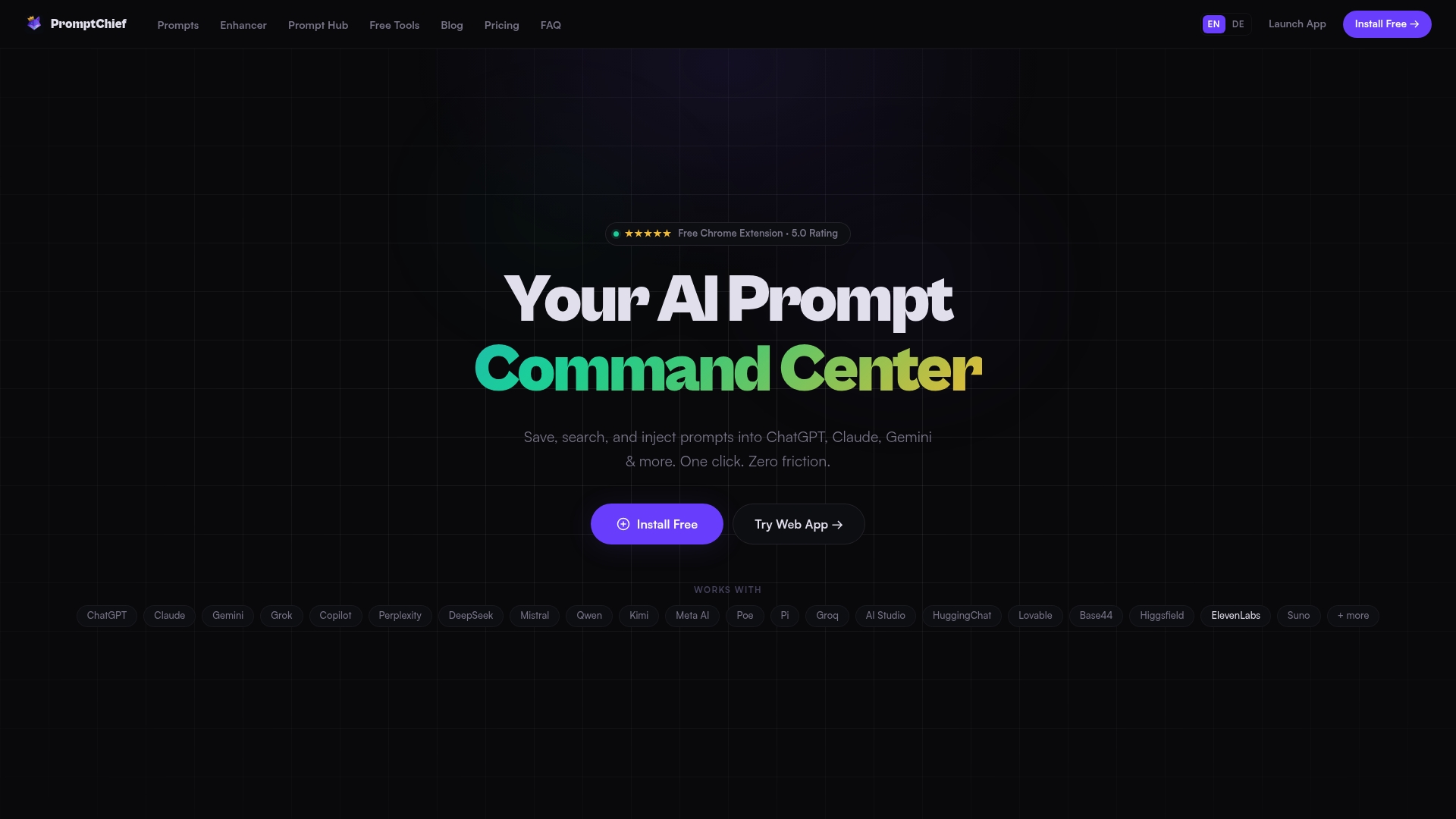
A cloud-synced prompt library keeps every template, prompt chain, and variation searchable in one place, synced across devices through a browser extension and web app, so the templates and stepwise chains covered above don't live in scattered documents. Injecting a saved prompt into ChatGPT takes one click instead of a copy-paste hunt, which can save time when running the same task repeatedly. Team workspaces let a group share the same standardized inputs, which helps address consistency issues that commonly affect automation attempts before scaling. Version history allows rolling back changes when a template underperforms instead of guessing what changed.
If you're ready to centralize the templates and chains from this article instead of rebuilding them from memory every time, set up your prompt library and start organizing your first workflow today.
Sources
- Zapier — Web scraping & data integration (workflows)
- Introducing workspace agents in ChatGPT | OpenAI
- ChatGPT Work: 7 Agentic Workflows Founders and Operators Can Build Now | AI Cost Check
- Building resilient workflows with AWS Lambda durable functions | AWS Public Sector Blog
- 10 ChatGPT prompts to help you streamline your workflow and stay productive all day long | Tom's Guide
FAQ
Can ChatGPT Create Workflows?
Yes. ChatGPT can generate the prompt sequences, templates, and even the logic for multi-step workflows, and OpenAI's workspace agents let teams turn those sequences into shared, schedulable automations rather than one-off chats.
What Is a Streamlined Workflow?
A streamlined workflow removes repeated manual steps by converting them into templates, triggers, and automated actions, so a task that once took manual setup every time now runs consistently with minimal input.
What Should You Avoid Telling ChatGPT?
Avoid feeding ChatGPT sensitive personal data, confidential client information, passwords, or proprietary source code unless your organization's data policy and the platform's enterprise settings explicitly allow it, since standard usage isn't guaranteed to keep that data private.
What Are the Steps in a Typical Automated Workflow?
Most automated workflows follow a trigger, a condition check, and an action, often expanded into a fuller sequence like plan, draft, review, approve, and execute for anything involving human oversight.
How Do You Keep Multiple ChatGPT Projects Organized?
Separate projects by purpose, standardize the prompt templates each project reuses, and centralize them in a searchable prompt manager like Promptchief rather than relying on chat history, which gets unmanageable past a handful of active projects.