
A prompt library is a categorized, versioned collection of reusable prompts that saves you hours of rewriting the same instructions from scratch. Organizing prompts by task and tagging them with metadata turns scattered notes into a system you can trust, and a cloud-synced manager like PromptChief keeps that system usable across every device and AI tool you write with.
TL;DR:
- Organize prompts by writing stage, then tag each with its task, target model, output format, owner, version, and date last tested to make retrieval reliable.
- Keep prompts in draft, active, or deprecated states, record each edit, and consider a dedicated manager once the library reaches roughly fifty prompts.
- For simple tasks, start with a direct prompt; add examples when results feel generic, and keep separate versions for each genre to preserve voice.
- Reedsy offers an archive of over 2,700 creative prompts, while Poets & Writers focuses on recurring prompts that support writing habits.
Table of Contents
- 1. Prompt categories for writing workflows
- 2. Ready-to-use example prompts for key writing tasks
- 3. How to build and organize a prompt library that scales
- 4. Prompting best practices that actually improve output
- 5. Where to find prompt libraries and further resources
- 6. Collaboration features for shared prompt libraries among writing teams
- 7. Customizing and personalizing prompts for your genre and voice
- 8. Treating prompts as production assets
- PromptChief: organize, sync, and reuse prompts across devices and tools
- FAQ
- Sources
1. Prompt categories for writing workflows
Before you save a single prompt, decide where it lives. A clear taxonomy means you spend seconds finding the right prompt instead of scrolling through a messy document.
Group your prompts into categories that match the actual stages of writing:
- Brainstorming and idea generation: prompts that produce story seeds, angles or themes.
- Outline and structure: prompts that turn an idea into a plot skeleton or article structure.
- Scene, character and worldbuilding: prompts for backstories, settings and relationship maps.
- Drafting scenes or sections: prompts that generate a full passage from a brief.
- Rewrite, expand or condense: prompts that resize or restyle existing text.
- Dialogue polishing: prompts that sharpen voice and rhythm in conversation.
- Copywriting, SEO and meta content: prompts for titles, descriptions and summaries.
- Publishing and marketing: prompts for blurbs, social captions and pitch copy.
- Review and proofing: prompts that check consistency, grammar and tone.
Each saved prompt should carry a small set of metadata: the task it solves, the model it was written for, an approximate token count, a few searchable tags, when it was last used and who owns it. That handful of fields is what makes a library searchable instead of just stored.
2. Ready-to-use example prompts for key writing tasks
These templates are meant to be copied, edited and saved into your own library. Replace the double-brace placeholders with your specifics, then version the result once it works well.
- Idea seed: "Generate five story concepts in the {{genre}} genre involving {{theme}}, each in one sentence."
- Three-bullet outline: "Outline {{story_title}} in exactly three beats: setup, turn, resolution."
- Character bio: "Write a 100-word bio for a character who is {{trait}}, works as {{occupation}}, and wants {{goal}}."
- Scene setup: "Describe the setting for a scene where {{character}} confronts {{conflict}} in {{tone}} tone."
- Dialogue rewrite: "Rewrite this dialogue to sound more {{tone}} while keeping the same meaning: {{text}}."
- Expand 150 to 300 words: "Expand this passage to roughly 300 words, adding sensory detail without changing the plot: {{text}}."
- Tighten to 80 to 100 words: "Condense this passage to 80 to 100 words while keeping the core image: {{text}}."
- SEO title and meta: "Write a title under 60 characters and a meta description under 155 characters for an article about {{topic}}."
- Social caption: "Write a caption for {{platform}} promoting {{content}}, in {{audience}}-appropriate language."
Save the versions that work, tag them by task, and treat the ones that fail as drafts to revise rather than delete. Our AI prompt templates page has more ready-made starting points if you want a broader set to adapt.
3. How to build and organize a prompt library that scales
A prompt library only pays off once it is structured like a small production system rather than a folder of notes. Start with a minimal taxonomy: one folder per writing stage, then subfolders or tags for genre, model and output format. Each prompt record should hold its task, the model it targets, a version number, searchable tags, an owner, the date it was last tested and, where possible, a quick eval score.

Lifecycle matters as much as structure. Practitioner guides on prompt version control recommend moving each prompt through draft, active and deprecated states, the same way software moves through development, release and retirement. Treating prompts like code, with a changelog attached to every edit, separates what you are testing from what you actually rely on, and it stops the quiet drift that happens when a prompt gets tweaked ten times with no record of why. Once a library passes roughly fifty prompts, many writers move from a shared document to a dedicated manager that tracks eval scores, supports A/B testing and lets you roll back a version that stopped working.
Search matters too. Fuzzy search and fillable placeholders mean you can find "the dialogue one for tense scenes" without remembering the exact title, and injecting a saved prompt directly into your writing tool beats retyping it every session. Our prompt management software page covers how tagging and sync work together once your library grows past a handful of documents.
Pro Tip: Tag every prompt by its expected output format (list, paragraph, JSON, title plus meta) so injection and parsing stay reliable no matter which AI tool you paste it into.
4. Prompting best practices that actually improve output
Good prompts follow a short, repeatable pattern rather than a long improvised paragraph. OpenAI's prompt engineering guidance lists the operational basics: put the instruction first, state the output format explicitly, add an example when the task is ambiguous, and iterate instead of expecting the first draft to be final.
Keep this checklist nearby when you write a new prompt:
- Lead with the instruction, not background context.
- Specify the format you want (length, structure, tone).
- Add one or two examples when the task is nuanced (few-shot).
- Set explicit length or voice constraints.
- Test, note what went wrong, and revise before saving.
Start with zero-shot prompts for simple tasks, move to few-shot when results feel generic, and use meta-prompting, asking the AI to critique or rewrite your prompt, when you are stuck. Role or system prompts ("You are an editor who specializes in literary fiction") help set tone early, and for anything requiring multi-step reasoning, a light chain-of-thought instruction ("think through the plot logic before writing") or a step-back prompt ("first summarize the theme, then write the scene") tends to produce steadier results.
Vanderbilt's generative AI research finds that scoping a task clearly and supplying examples measurably improves output consistency, which is the practical reason version control and metadata matter as much as the words in the prompt itself.
5. Where to find prompt libraries and further resources
You do not have to write every prompt from scratch. Several established sources are worth bookmarking:
- Reedsy's writing prompts archive over 2,700 creative prompts for fiction practice and idea generation.
- Poets & Writers distributes recurring prompts built for habit formation rather than one-off use.
- The ChatGPT prompt guide from OpenAI's cookbook covers meta-prompting and iteration techniques in more technical depth.
When you pull a prompt from any of these, decide fast whether to copy it as-is, adapt it to your genre, or version it once you've changed it enough that it is really yours. Before saving anything externally sourced, check that it states the task clearly, includes an example where useful, specifies the output format and credits the source if you're sharing it publicly.
6. Collaboration features for shared prompt libraries among writing teams
A prompt library stops being useful the moment two writers on the same team save conflicting versions of the "character bio" prompt under different names. Shared libraries need the same basics as shared documents: a common taxonomy, visible ownership and a way to see who changed what.
Team workspaces solve this by giving every member access to the same tagged, versioned collection instead of private, duplicated notes. When one writer improves a scene-setup prompt, the whole team can see the change, the version it replaced and why the edit was made, rather than rediscovering the same fix independently. Shared ownership fields matter here too: knowing who last tested a prompt and when keeps the library from accumulating dead weight that nobody trusts.
For editorial teams producing content at volume, this shows up most in consistency. A marketing team using the same SEO title prompt across ten writers gets uniform formatting without a style meeting, and a fiction co-writing team keeps character voice prompts aligned across chapters. Seat-based access also means a manager can add or remove collaborators as a project starts or wraps, without exporting and re-importing files by hand.
The practical takeaway is to treat a shared prompt library as a small internal style guide: one source of truth, visible edits and a lifecycle that everyone on the team respects rather than works around.
7. Customizing and personalizing prompts for your genre and voice
A prompt that works for thriller pacing will flatten a literary short story, so the same template rarely transfers across genres without adjustment. The fastest fix is building voice and genre constraints directly into your base prompts rather than re-explaining them every session.
Add a short style anchor to recurring prompts: "write in short, clipped sentences" for noir, "favor long, sensory sentences" for literary fiction, or "keep dialogue naturalistic with interruptions" for contemporary realism. These anchors belong in the prompt's metadata as a tag, so you can filter your library by genre in seconds.
Personalization also means adjusting for your own habits. If you tend to overwrite description, add a constraint like "limit scene-setting to two sentences" directly into your drafting prompts. If you write in multiple genres, keep genre-specific variants of your core templates (outline, scene setup, dialogue rewrite) rather than one generic version you edit every time.
Few-shot examples do the heaviest lifting here: pasting two or three lines of your own prior writing into a prompt teaches the model your voice far faster than describing it abstractly. Save that example alongside the prompt once it works, so the next use starts from your voice, not a blank slate.
8. Treating prompts as production assets
Writers who stop losing their best prompts are the ones who version and tag them the same way they'd track a manuscript revision. A cloud-synced library means the prompt I wrote on a desktop last week is the one I open on my phone tonight, with the same tags and the same history attached.
A community hub helps here too: seeing how other writers structure a scene-expansion prompt often sparks a better version of your own rather than starting from nothing.
— John
PromptChief: organize, sync, and reuse prompts across devices and tools
We built PromptChief around the exact workflow this article describes: save a prompt once, tag it, and find it again in seconds through fuzzy search, whether you're writing on a laptop or picking up a draft on your phone.
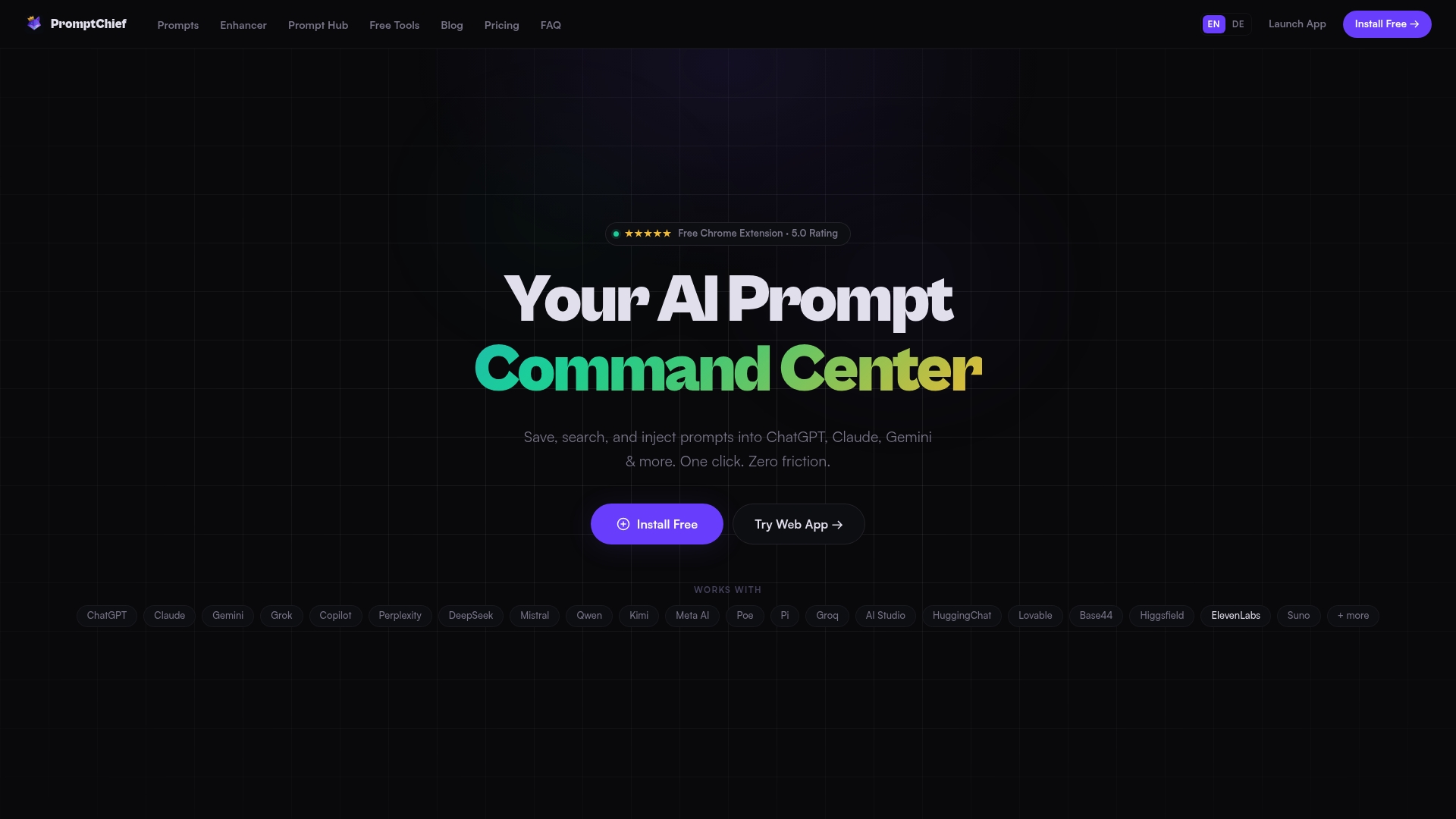
We sync every prompt across devices through the cloud, so your character bios, outline templates and SEO prompts stay available no matter which machine you open. Chrome extensions can inject saved prompts directly into AI tools without copy-pasting, and community hubs offer hundreds of starting templates to adapt into your own library. Team workspaces extend the same organization to collaborators, with shared tags and visible ownership. If you want to see the full feature set, our pricing page outlines the Free, Plus, Pro and Teams plans, or you can start directly from our main product page and build your first categorized library today.
FAQ
What is the best AI prompt library?
The best prompt library is the one organized by task, tagged with clear metadata, and kept in a tool that syncs across your devices rather than a static document. Dedicated managers like PromptChief add fuzzy search, versioning and injection into AI tools, which matters more than any single collection of prompts.
How do I create my own prompt library?
Start by grouping prompts into categories that match your writing stages, such as brainstorming, outlining and revision, then add basic metadata like task, model and tags to each one. Move prompts through draft, active and deprecated states as outlined in prompt version control guides so your library stays current instead of cluttered.
What are the best websites for finding writing prompts?
Reedsy maintains an archive of over 2,700 creative writing prompts, and Poets & Writers distributes recurring prompts aimed at building a regular writing habit. Both are useful starting points before you adapt a prompt into your own tagged library.
Can you provide an example of a prompt library?
A simple example is a folder structure with categories for outlining, drafting, dialogue and SEO, where each saved prompt includes a task description, a version number and a few tags like genre or tone. A tool such as PromptChief's prompt templates shows this structure in practice with ready-made, editable examples.
Sources
- Vanderbilt generative AI research
- Best practices for prompt engineering with the OpenAI API
- AI Prompt Version Control Template | StackPractices
- 2,700+ Writing Prompts — Reedsy