
A prompt library for marketers is a searchable set of reusable AI prompts for tasks like captions, emails, and briefs. It can help teams organize their work and aim for more consistent output. Tools like PromptChief store and sync those prompts, and the MARKET framework and Google's guidance on AI content tell you how to adapt and review them. Below are categories, copyable templates, and governance rules.
TL;DR:
- Start with repeat weekly workflows such as social repurposing, email, SEO briefs, landing page critiques, competitor analysis, and paid media summaries.
- Adapt each saved prompt by filling in MARKET’s six parts: mission, audience, requirements, knowledge, evaluation, and testing; its rubric scores prompts across 25 attributes.
- Change one prompt element at a time, run small tests, and save the strongest version beside a real output so teammates can assess it.
- Assign every prompt one owner, record its inputs and sample output, review frequently used entries monthly and other prompts quarterly, and archive unused ones.
- Google does not inherently penalize AI use, but pages with little review may be discounted; fact check claims and add original value before publishing.
Table of Contents
- What should a marketing prompt library include?
- Which copyable prompts cover the most common marketing tasks?
- How do you search, adapt, and test a library prompt?
- How do you keep a prompt library current and useful?
- What habits keep a prompt library worth opening?
- How can we help you manage your marketing prompts?
- FAQ
- Sources
What should a marketing prompt library include?
A useful library is organized around the work you repeat every week, not around AI features. Look for these categories first:
- Social captions and repurposing: rewrite one post for several channels.
- Email: subject lines and full message bodies.
- SEO content briefs: outlines built from a keyword and audience.
- Landing-page critique: structured feedback on a draft page.
- Competitor teardown: ad and landing-page analysis from copy you paste in.
- Weekly paid-media summary: raw numbers turned into a short report.
The features matter as much as the categories. You want search by role, goal, and format, templates with input fields or placeholders, example outputs, tags, last-updated dates, and export or import. If a prompt has no sample output, nobody can tell whether it still works.
Three signals separate a practical library from a folder of notes: templates you can copy in one click, sample outputs beside each prompt, and a search box that returns results by task. Our free prompt library is one example of that format you can browse.
Which copyable prompts cover the most common marketing tasks?
Each template below has a role line, inputs in curly braces, and an output format. Replace the braces with your brand voice, product facts, and measurable limits, such as a character count or a target metric. Google's own AI prompts for marketing page uses a similar task-first structure, which is a good sign the pattern travels well.
- Social caption rewrite. "You are a social media editor for {brand}. Rewrite this post for {channel} in a {tone} voice for {audience}: {post}. Return 3 caption variants under {character limit} characters, each with one call to action."
- Social repurposing. "Turn this {blog excerpt or announcement} into one LinkedIn post, one short Instagram caption, and one thread opener. Keep the key fact: {key fact}. Return each version under its channel label."
- Email subject-line tester. "You are an email copywriter for {product}. The audience is {audience} and the goal is {open, click, or reply}. Return 5 subject lines with a one-line rationale each, plus one preview text per line."
- Email body draft. "Write a {length}-word email announcing {offer} to {segment}. Lead with the benefit, include one proof point: {proof}, and end with one link prompt. Return subject, body, and a plain-text version."
- SEO brief generator. "Act as an SEO strategist. Build a content brief for the keyword {keyword}, aimed at {audience}. Return search intent, suggested H2 headings, questions to answer, and internal link ideas, in bullets."
- Landing-page critique. "You are a conversion reviewer. Evaluate this page copy against the goal {goal}: {copy}. Return the three biggest weaknesses, a rewritten headline, and a rewritten first paragraph."
- Competitor ad analysis. "Analyze these ad texts from a competitor category: {ad copy}. Return their main promise, tone, and offer, then 3 angles we could take that differ. Use only the text provided."
- Weekly paid-media summary. "Summarize this week's campaign data: {metrics}. Compare it to {target metric}. Return a five-bullet summary, one anomaly to investigate, and one test to run next."
Before you ship anything these prompts produce, check it. Google's guidance on generative AI content says using AI is not inherently penalized, but sites publishing large volumes of unreviewed, low-effort AI content risk being discounted. It recommends fact-checking and adding original value.
Pro Tip: Add a line to every prompt telling the model to flag any claim it cannot support from your inputs, so your reviewer knows where to look first.

How do you search, adapt, and test a library prompt?
Treat every library prompt as a draft you tailor once and then reuse. A repeatable process keeps results consistent across your team.
- Search by task, not tool. Query by role, goal, and format ("email, reactivation, 3 variants"), or search by what the sample output looks like.
- Filter by tag or expected output so you compare prompts that produce the same deliverable.
- Adapt with the MARKET model. The Marketing Prompt Optimizer Framework breaks a prompt into Mission, Audience, Requirements, Knowledge, Evaluation, and Testing, and pairs it with a 25-attribute MPES rubric for scoring. Fill each of the six parts before you save the adapted version.
- Version and test. Change one thing at a time, run a few small tests, and note which variant earns better edits or results.
- Keep winners with their outputs. Save the best variant next to a sample result so the next person can judge it quickly.
If your prompts feel inconsistent, our guide to improving AI prompts walks through the iteration loop in detail. For teams that want structured training, this prompt engineering plan with a rubric offers a formal path.
How do you keep a prompt library current and useful?
Libraries fail when they become dumping grounds. Start small with the workflows you repeat weekly, and resist adding every prompt anyone has ever written.
- Require metadata: purpose, input fields, an example of the expected output, an owner, and a last-updated date.
- Collect example outputs from real runs so you can validate that a prompt still behaves as intended.
- Set a review cadence, such as monthly for high-use prompts and quarterly for the rest.
- Retire what nobody uses. If a prompt has not been touched in a review cycle, archive it.
- Use usage data to decide which prompts to update first.
- Check outputs before publishing. A Five Field Review workflow suggests marking every factual claim, verifying it against primary sources, adding an originality element, and validating structured data.
For wider governance thinking, NIST's generative AI risk profile lists provenance, pre-deployment testing, and incident disclosure as useful practices.
What habits keep a prompt library worth opening?

The libraries that survive tend to be small and boring on purpose. The common failure is not too few prompts but too many unowned ones, where nobody trusts any of them and everyone goes back to writing from scratch. Quality beats volume here, and the received wisdom that bigger is better works against you.
Three rules are worth enforcing: keep a small core library, require an example output for every prompt, and assign exactly one owner per prompt. If a prompt fails any of those, it does not belong in the shared space yet.
— John
How can we help you manage your marketing prompts?
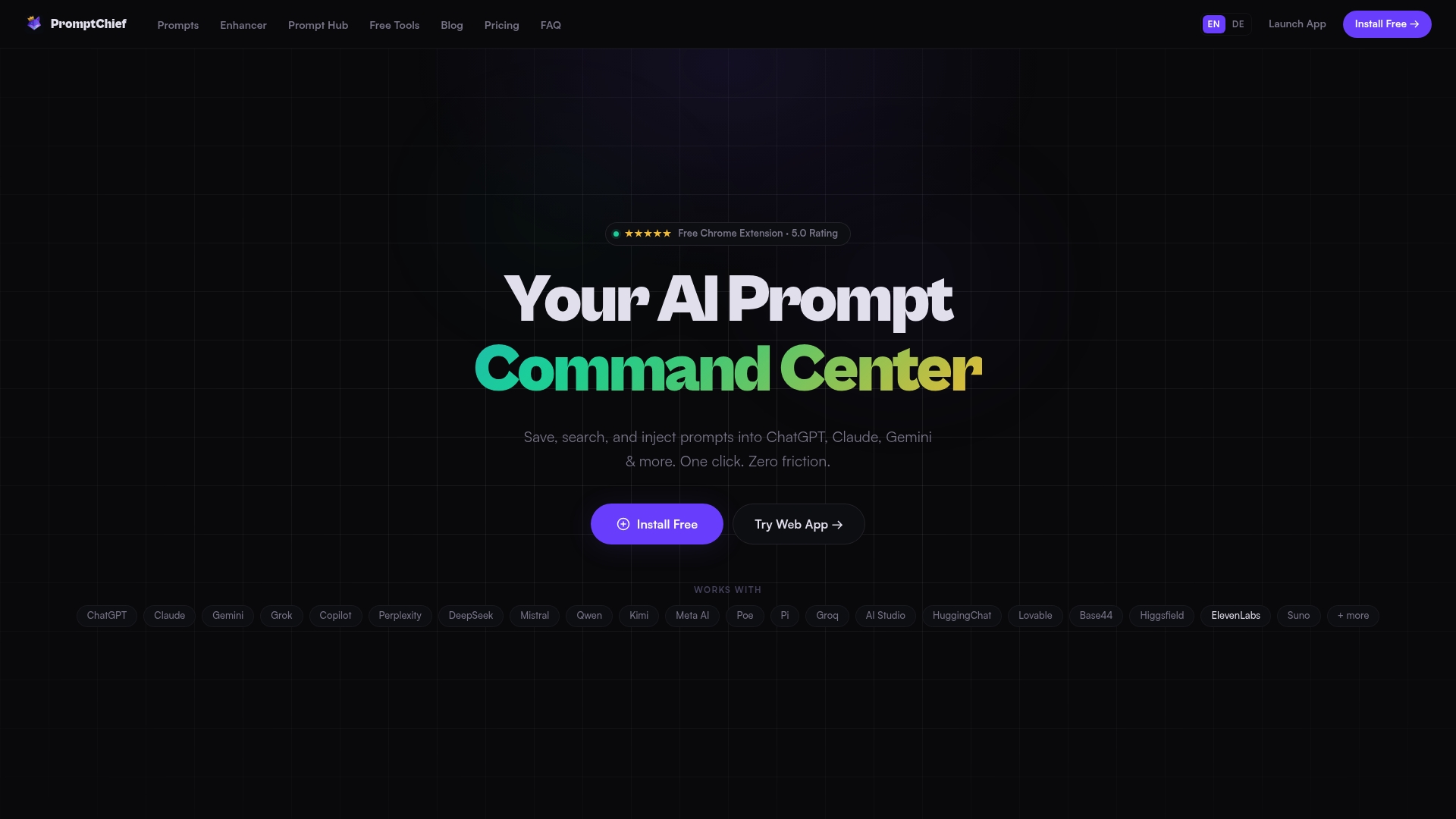
We built PromptChief so your prompt library lives where you work. We offer cloud sync across devices, a searchable library, templates with placeholders, a Chrome extension, team workspaces, and a community hub of prompts. It fits marketing teams, high-volume content producers, and anyone who needs sync plus shared governance. Explore prompt management, compare plans on our pricing page, or start free today.
FAQ
What is a prompt library for marketers?
It is an organized, searchable collection of reusable AI prompts for marketing tasks such as social posts, emails, and content briefs. Each entry should list its inputs, expected output, and owner so anyone on the team can use it the same way.
How do I make library prompts match my brand voice?
Add your voice rules, product facts, and constraints to the prompt as fixed inputs. The MARKET model helps by forcing you to state the audience and requirements before you save a prompt.
Can I publish AI-written marketing content as is?
Review it first. Google says AI use is not inherently penalized, but unreviewed, low-effort AI content risks being discounted, so fact-check and add original value.
How often should I update my prompt library?
Review high-use prompts on a regular schedule and archive anything unused. Update a prompt whenever its sample output starts drifting from what you expect.
Sources
- Google Search's Guidance on Generative AI Content on Your Website | Google Search Central | Documentation | Google for Developers
- Marketing Prompt Optimizer Framework: A Strategic Model for Prompt Engineering in Marketing
- Google AI Content Guidelines: What Changed in October 2026