
AI prompt credit limits are consumable balances or usage quotas that throttle or block AI features once exhausted, and every major platform now runs some version of them. The fix isn't complicated: enable threshold alerts today, set a spending policy for your default group, and confirm whether your billing method covers overages through prepaid packs or pay-as-you-go. Most outages admins face are self-inflicted, caused by skipping these three steps before a team scales up its AI usage.
TL;DR:
- Enabling threshold alerts at 70% and 90% of credit pools can prevent unexpected lockouts by giving early warnings of consumption spikes.
- Applying per-user or group limits inside shared pools is crucial to prevent a single heavy user from draining credits before the reset or recharge.
- Choosing the right implementation model—seat-based, refresh window, or feature count—affects how you monitor and manage usage policies effectively.
- High-cost models, long prompts, and feature-specific expenses significantly increase credit consumption, so optimizing prompts and model choices saves money.
- Regularly reviewing consumption with dashboards, setting flexible thresholds, and having contingency plans help maintain control over credit use and avoid outages.
Table of Contents
- Quick Admin Checklist: Three Things To Do Right Now
- How Major Platforms Implement Limits: Seat, Compute, and Feature Models
- How AI Credits Are Calculated and What Drives Consumption
- Admin Controls and Spending Policies: Configure, Monitor, Respond
- Session and Developer Limits: Caps, Soft Enforcement, and Script Discipline
- Practical Management Strategies and Workflows
- Where Credit Governance Actually Breaks Down
- Cut Credit Waste With Better Prompt Habits
- Sources
- FAQ
Quick Admin Checklist: Three Things To Do Right Now
Before anything else, get your alerts and overrides in place. These three moves take under fifteen minutes combined and prevent the vast majority of surprise lockouts.
- Turn on threshold alerts. Set notifications at 70% and 90% of your credit pool so you see a spike before it becomes an outage, not after your team starts filing tickets.
- Apply per-user or group limits. Most platforms let admins cap individual consumption inside a shared pool, which stops one heavy user from draining credits meant for the whole team.
- Enable auto-top-up or stock a contingency pack. Decide now whether you want automatic reload at a set balance or a manual prepaid buffer, because deciding during an outage always costs more time than deciding in advance.
Skipping step two is the most common mistake. A shared pool with no per-user ceiling behaves like a shared gas tank with no gauge; someone always empties it before month-end, usually the person running batch jobs nobody else knows about.
How Major Platforms Implement Limits: Seat, Compute, and Feature Models
Every vendor draws the line between "features" and "credits" differently, and that distinction matters more than most admins realize when they're troubleshooting a sudden block. A feature limit caps a specific action, like a set number of AI-assisted edits per day. A credit is a spendable currency that gets debited across multiple features at different rates, and platform documentation increasingly separates the two explicitly, since they behave very differently once a team scales past a handful of users, according to Microsoft's guidance on AI credits and limits.
Three implementation patterns show up repeatedly across platforms:
- Seat-allocated pools. Each licensed seat gets a monthly credit allowance, and those seat credits get consumed before any shared or purchased pool kicks in. Figma's seat credit model works this way, with admins able to buy additional subscription credit pools or turn on pay-as-you-go for overflow.
- Compute-based refresh windows. Instead of a flat monthly number, some tools cap usage over a rolling window and refresh it on a schedule, commonly every five hours, with weekly ceilings layered on top. Google's Gemini Apps use this structure, and higher subscription tiers raise both the refresh ceiling and the context window available per request.
- Feature-count limits versus flexible spend. A tool might cap "20 image generations per day" as a hard feature count, while a separate credit balance covers everything else with variable pricing per action.
Knowing which model your stack uses changes how you write policy. A seat-pool platform needs seat-level monitoring; a refresh-window platform needs usage pacing advice for your team instead.
How AI Credits Are Calculated and What Drives Consumption
Credit consumption isn't random. Three factors drive almost all of it, and understanding them is the fastest way to cut waste without cutting capability.
- Model choice. Higher-capability models cost meaningfully more credits per call than lightweight ones, and switching models mid-task without thinking about it is one of the most common ways teams burn through a pool early. Using a high-compute model for a task a smaller model can handle also risks exhausting a shared allowance before the refresh window resets.
- Prompt length and context window. Every token in your prompt and every token the model has to hold in memory counts against the total. Long, unstructured prompts with excess pasted context cost more than a tight, well-scoped one asking for the same output.
- Feature-specific costs. Image generation, video generation, and deep-research style features typically draw far more credits per action than a standard text response, because the underlying compute cost is higher.
Pro Tip: Before running a heavy task, check whether a smaller model can do the job. A well-written prompt on a lighter model often beats a lazy prompt on a flagship one, both on quality and on cost. Tightening prompt structure with a method like the one in a simple prompt-writing formula routinely trims token counts without losing output quality.
Admin Controls and Spending Policies: Configure, Monitor, Respond
Spending policy is where most of the actual governance happens, and it's built in layers. A default policy applies org-wide, group-level policies override it for specific teams, and per-user overrides sit on top of both, with the most specific policy winning whenever rules conflict.
- Set the default first. Establish a baseline spending policy before creating exceptions, since exceptions without a baseline turn into an ungoverned mess fast.
- Add per-user overrides sparingly. Reserve them for genuinely high-need roles, like a developer running frequent batch jobs, not as a default workaround for "the team that complains the most."
- Watch the dashboard weekly, not monthly. Admin dashboards showing top consumers by user or by agent let you rebalance a shared pool before a reset date, catching problems while they're still cheap to fix.
- Know your billing order. Prepaid credits get consumed first, and pay-as-you-go charges only kick in once the prepaid balance runs out, based on how Microsoft structures its usage-based billing.
- Decide hard caps versus alerts up front. A hard cap blocks usage outright once hit. Some API-level controls go further and return a 429 error code the moment an organization or project spend limit is breached, though enforcement isn't instantaneous, so a small overage past the configured ceiling is normal, not a bug.
When a team does hit its limit, you have three real options: raise the group's limit, buy a contingency credit pack, or simply wait for the reset window. Alerting at 70% and 90% thresholds exists specifically so you're never forced into that decision under pressure.
Session and Developer Limits: Caps, Soft Enforcement, and Script Discipline
Developer tools add another layer: the session cap. This limits how many credits a single CLI or agent run can spend, and it's configured differently than an account-wide policy.
- Set the session limit at invocation. Tools like GitHub Copilot CLI support flags such as
--max-ai-creditsto cap a single run before it starts. - Expect soft enforcement. A response already in progress finishes even after the cap is technically reached, so actual usage can run slightly past the configured number.
- Check usage after every run. Pair the session cap with post-run reporting so small overruns get caught and reconciled instead of quietly compounding across dozens of automated runs.
Pro Tip: Copilot's own documentation notes that session limits work best set above 30 credits; go lower and normal task completion starts tripping the cap before the work is actually done.
Practical Management Strategies and Workflows
The strongest governance setups treat platform policy and prompt hygiene as one system, not two separate problems. Start with a policy matrix: a default tier for general use, a team tier for higher-need groups, and an emergency tier that unlocks temporary headroom without a full policy rewrite. Review consumption weekly against that matrix, since limits themselves can shift due to platform capacity or demand, and a policy built on last quarter's assumptions goes stale fast.
Prompt hygiene closes the other half of the gap:
- Reuse templates instead of rewriting the same instructions from scratch every time, which cuts both token count and the chance of an inconsistent result.
- Trim unnecessary pasted context before sending a prompt. Shorter, well-scoped prompts consume fewer tokens for the same output quality.
- Match the model to the task. Save high-compute models for work that actually needs them, and check guidance on choosing the right model before defaulting to the most expensive option out of habit.
- Centralize prompts somewhere searchable. A tool like PromptChief helps teams avoid duplicate calls by making working prompts easy to find and reuse instead of quietly rebuilt from memory by five different people.
Pro Tip: Prompt-level fixes are often higher ROI than policy changes. Cutting unnecessary token usage at the prompt level can reduce consumption across an entire team without touching a single spending policy.
Keep a contingency plan on file: an auto-top-up threshold, a prepaid pack ready to purchase, and a temporary seat upgrade path for a project that suddenly needs more headroom than usual.

Where Credit Governance Actually Breaks Down
The incidents I see traced back most often aren't exotic. They're an unmonitored automation script running overnight, or one power user quietly consuming a shared pool everyone else assumed was safe. Both are preventable with rules simple enough to set up in an afternoon: alerts at two thresholds, a per-user cap on shared pools, and a weekly five-minute look at the dashboard. Teams that skip all three are the ones filing panicked tickets on a Friday.
— John
Cut Credit Waste With Better Prompt Habits
Platform spending policies control the money side of AI credit limits. Promptchief handles the other half of the problem: the wasted credits that come from re-running prompts nobody saved, rebuilding context from scratch, or five team members solving the same task five different ways. There are cloud-synced prompt managers available as Chrome extensions and web apps that let users save, search, and inject prompts across multiple AI platforms so working prompts get reused instead of rewritten.
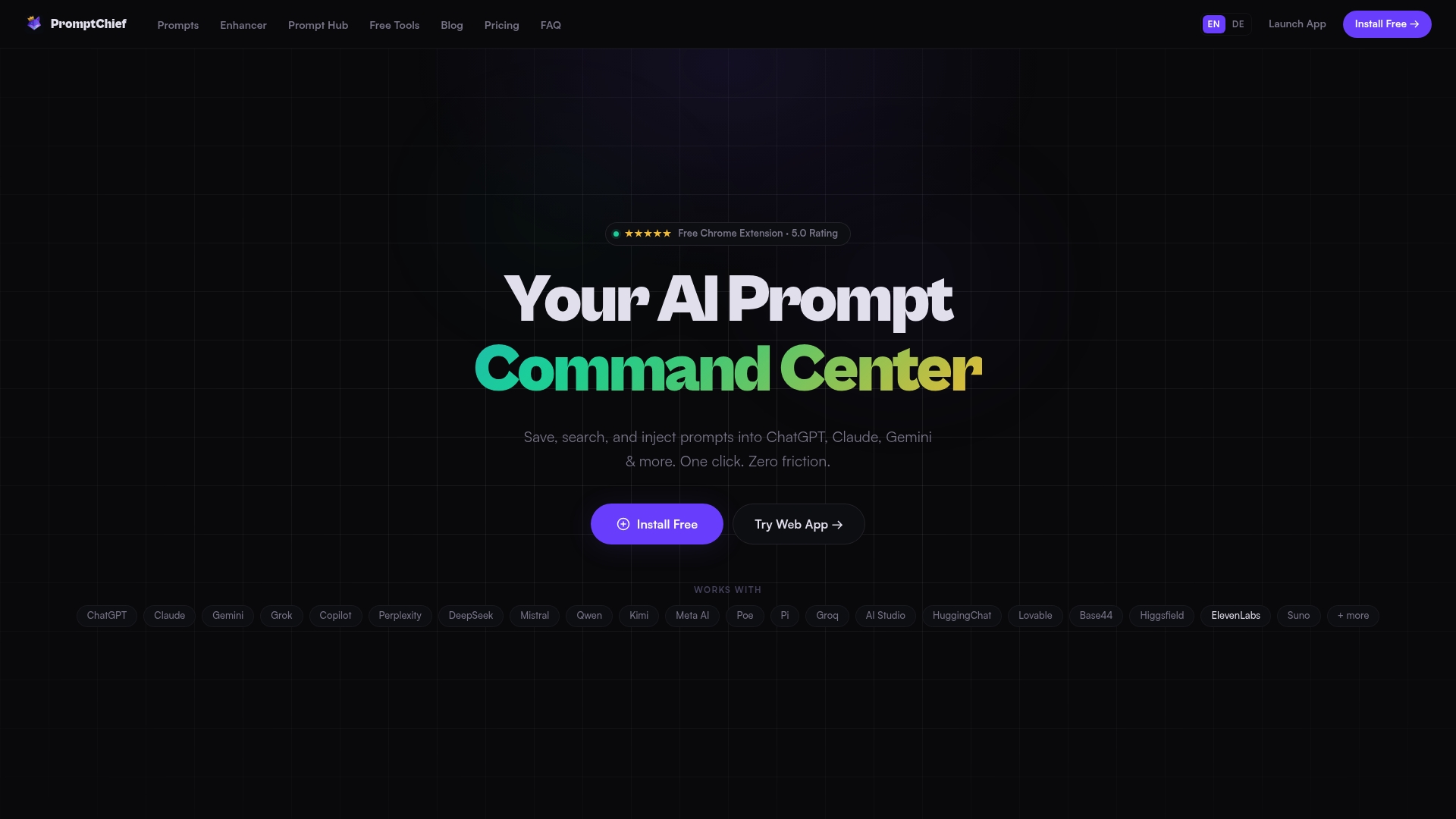
Team workspaces can centralize templates to help groups avoid burning credits by reinventing the same instructions, and cloud sync allows prompts built on one device to be accessed on another instead of being copy-pasted from a chat thread. For teams managing shared credit pools, that kind of centralization is a direct lever on consumption, not just a convenience. Set up your prompt management workspace and see how much duplicate work disappears once your team's best prompts live in one searchable place instead of scattered across chat histories.
Sources
- AI credits and limits for Microsoft 365 subscriptions
- Manage AI credits – Figma Learn - Help Center
- Gemini Apps limits and upgrades for Google AI subscribers
FAQ
How are AI credits calculated?
Credit cost depends mainly on model choice, prompt length and context window, and the specific feature used, since image and video generation typically draw far more credits per action than standard text responses.
Can AI really raise your credit score?
That question refers to personal financial credit scores, not AI prompt credits, and it's a separate topic entirely. AI prompt credits are a usage currency for AI platforms; they have no connection to consumer credit reporting.
What are the credit limits for Figma AI?
Figma allocates AI credits per seat monthly, and once that seat allowance runs out, admins can buy additional subscription credit pools or enable pay-as-you-go to keep usage running.
How many Copilot credits do I have?
Copilot credit balances depend on your Microsoft 365 plan and any usage-based billing you've enabled; admins can check consumption and remaining balance directly in the Copilot cost management dashboard.
What happens when a session limit is hit in developer tools?
Session caps in tools like Copilot CLI are soft limits: an in-progress response finishes even after the cap is reached, so actual usage can run slightly past the configured session limit before it stops.